Built for the 3am Log: Why BabyLog Feels Easier to Use
BabyLog is designed for the real moments parents log baby care: one-handed, tired, interrupted, and often without wanting to type. Here's why the UI feels lighter in daily life.

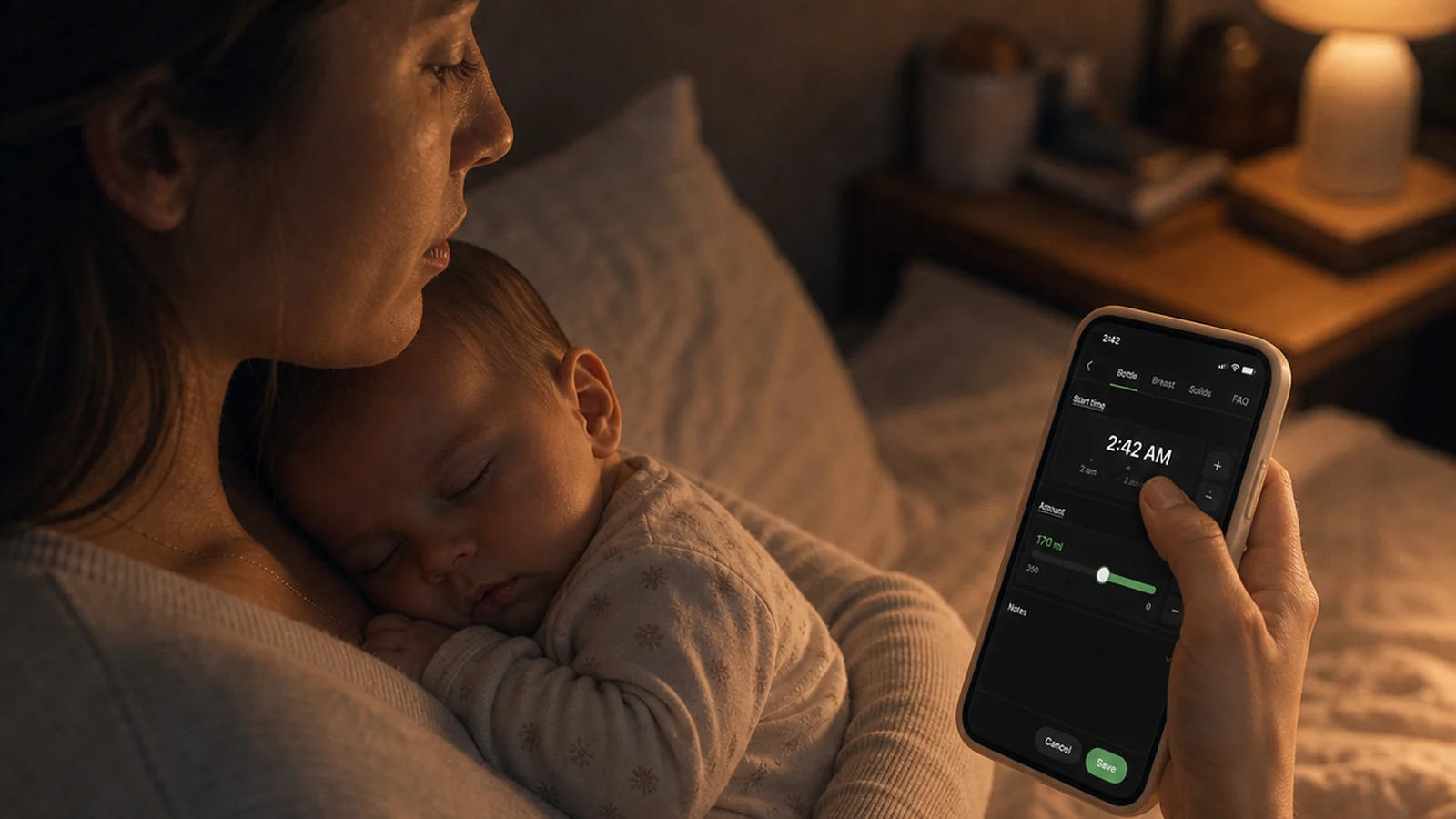
A parent is holding a baby, half awake, maybe feeding or pumping, trying to record what just happened. In that moment, "easy to use" doesn't mean beautiful. It means less typing, fewer decisions, and fewer steps.
That's the moment BabyLog is designed for.
Baby care happens all day
Baby tracking isn't a once-a-day task. A normal day can include many feeds, several sleeps, a handful of nappies, pumping sessions, notes, the occasional dose of medication, first solids, or a temperature check when something feels off.
On a busy baby day, a caregiver might record nine feeds, three sleeps, two nappies, two pumping sessions and a note — and still come back later just to check what happened. A tracker shouldn't feel like filling out paperwork over and over.

Fast by default, adjustable when needed
This is the core design principle. Fast by default, adjustable when needed.
For routine logs, BabyLog already has sensible answers ready when you open the screen:
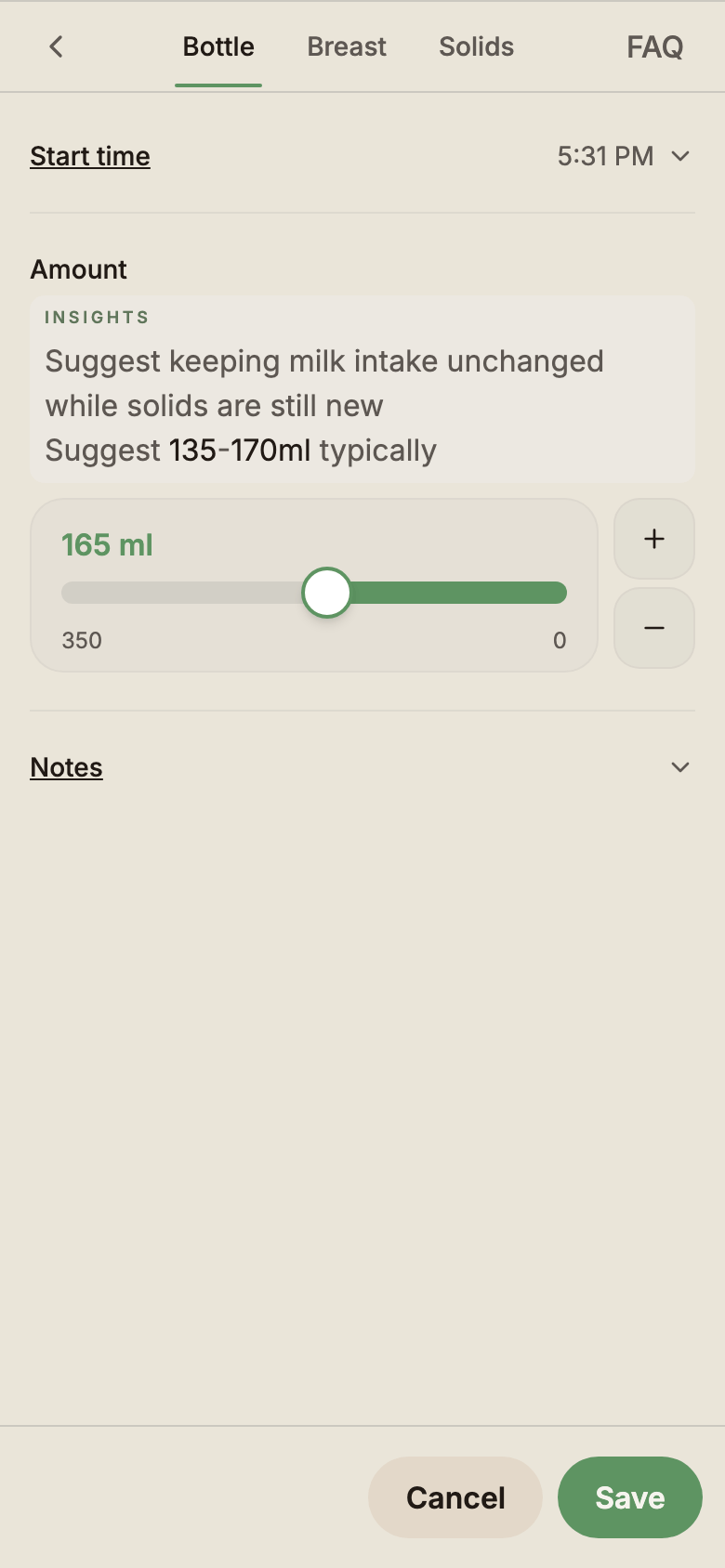
- Current time is pre-filled
- A recent or default amount can already be selected
- Notes stay optional
- Common actions sit close to the thumb
You only adjust when reality differs — a feed that started ten minutes ago, a slightly bigger bottle, a note worth keeping. Many routine logs can often be saved without typing.

No typing unless you want to
Typing is expensive when you're holding a baby. You might be feeding with one arm, pumping with both hands occupied, or lying in bed in the dark with one thumb free. Switching between caregivers makes it worse — handover is the wrong moment to wrestle with a keyboard.
So BabyLog leans on sliders, plus and minus buttons, timers, quick controls and sensible defaults. The keyboard only appears if you choose to write a note. No typing unless you want to.

Timers for real life, not perfect forms
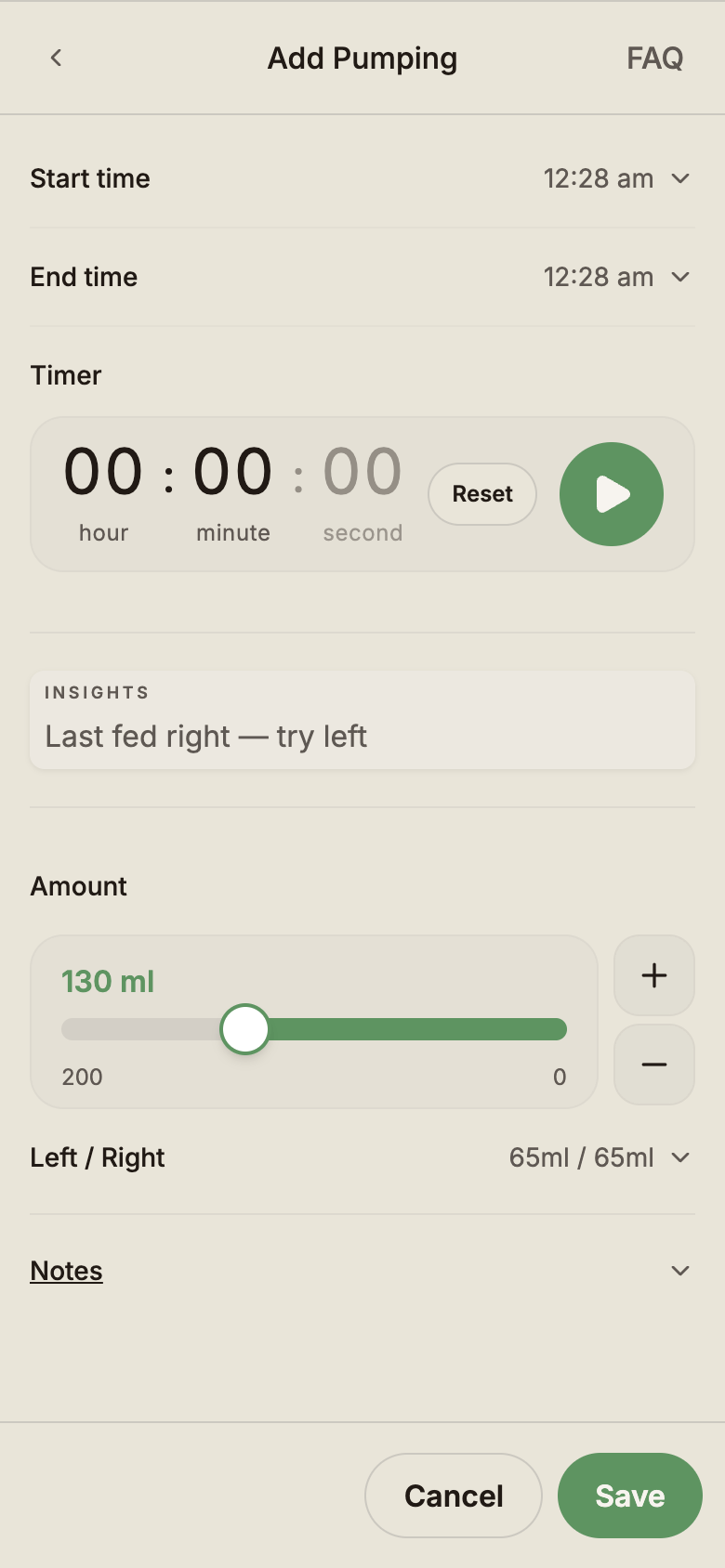
Pumping is a good example of why forms alone don't fit baby life. You don't know the duration when you start. You probably don't know the amount yet either. You just know it's happening now.
In BabyLog, you start the timer, put the phone down, finish pumping, then come back later to fill in the rest. BabyLog supports "this is happening now," not just "this already happened."
The same idea fits the rest of parenting: start, pause, get interrupted, come back, estimate, or finish later. Logs don't have to be perfect at the moment you save them.

The day should be easy to scan
Logging matters, but reviewing matters just as much. At 5pm, you might want to know how the day actually went. At 11pm, your partner might want to see what happened on their shift. At a check-up, you might want to glance at the last week before the appointment.
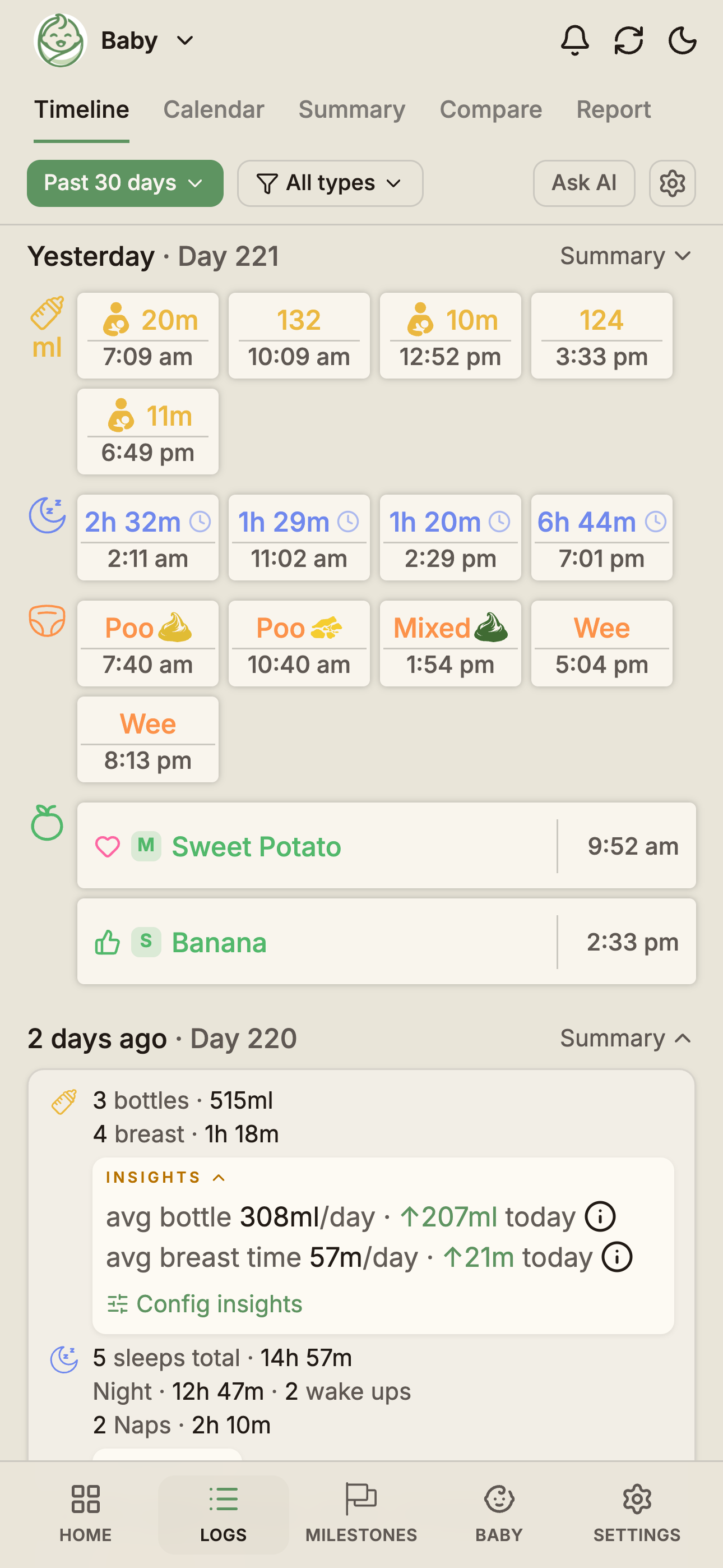
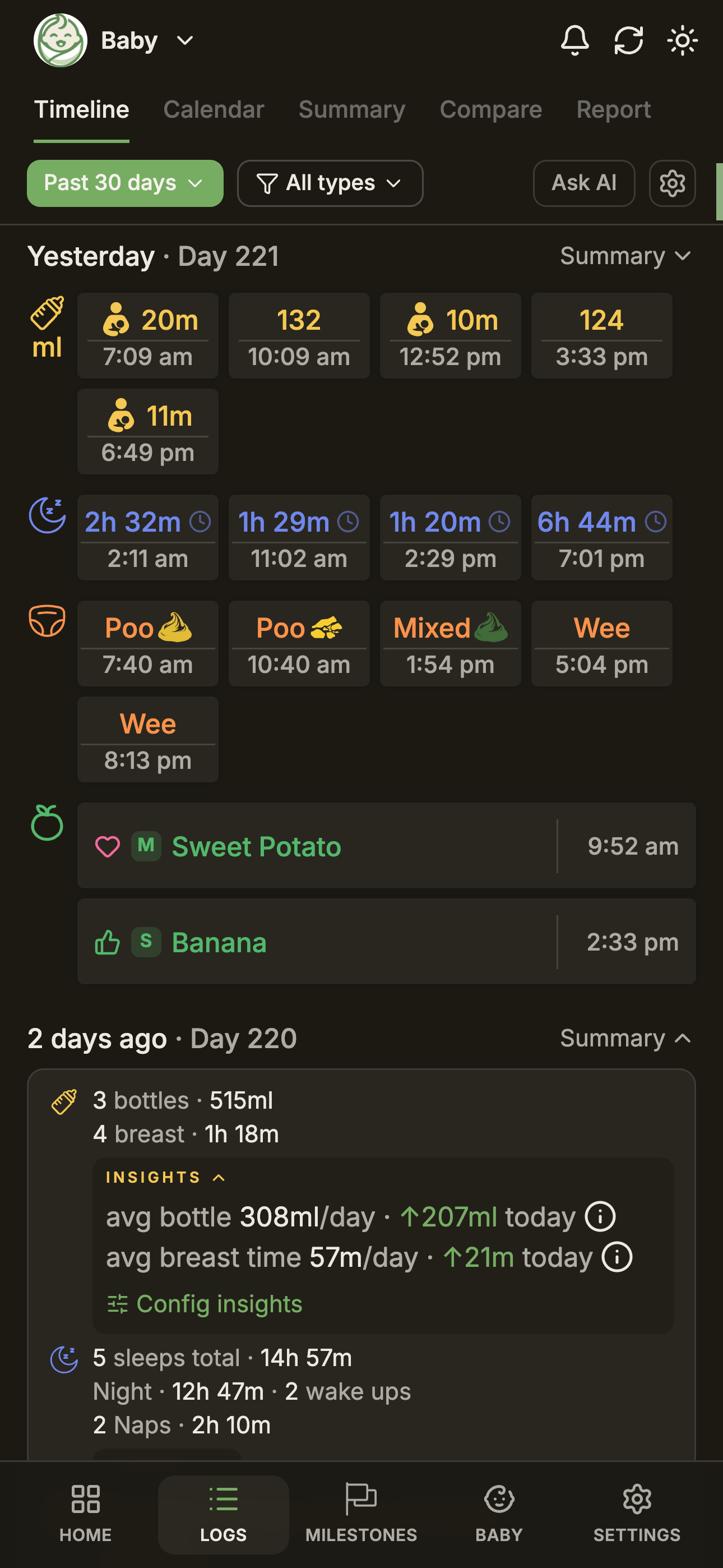
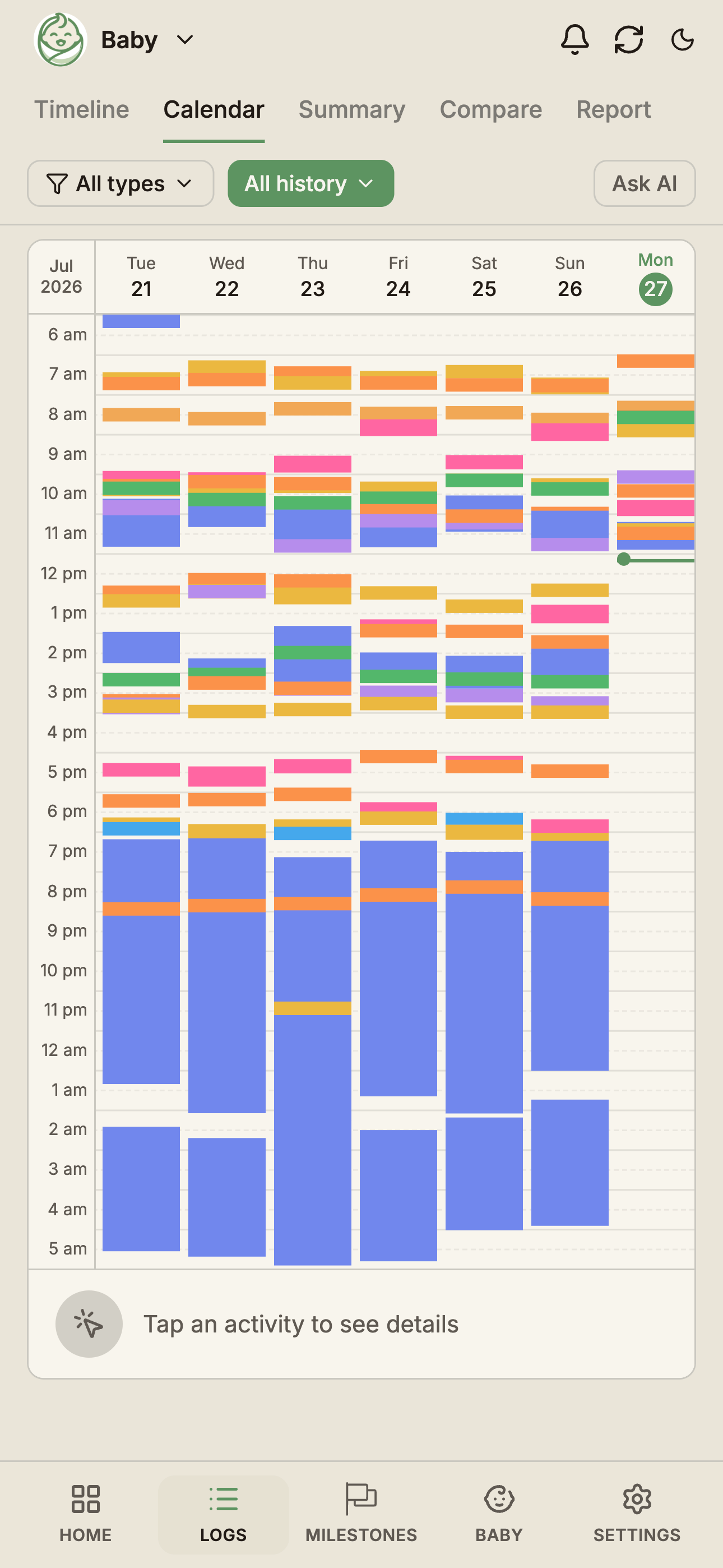
Dense days — feeds, sleeps, nappies, pumping, solids, medication, notes — get crowded fast. BabyLog uses colour-coded cards so the day is scannable without reading every entry. Feed entries are easy to spot. Sleep stands out. Nappies stay visually separate. Pumping and notes don't disappear.
The colour system is not decoration. It is a memory aid.

Patterns without spreadsheets
Some questions only become clear across days, not within a day. Are the naps shifting later? Is the overnight sleep block getting longer? Are we down to fewer feeds this week?
The calendar view shows naps across days, overnight sleep, feeding rhythm, the genuinely busy stretches, and how the routine changes over time. BabyLog makes patterns visible without forcing parents into charts or spreadsheets.

Designed for one-handed use
Parents rarely use a baby app in perfect conditions. You're often holding the baby, feeding, lying down, walking around, or working with one thumb because the other arm is busy.
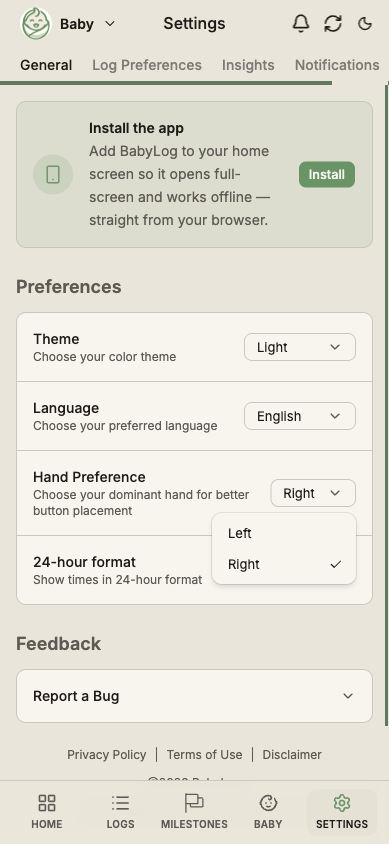
BabyLog has a left-hand and right-hand mode so the controls you use most sit where your thumb actually is. It's a small thing, until it's the difference between saving a log smoothly and dropping the phone on the baby. One-handed baby tracking.

Built for shared care
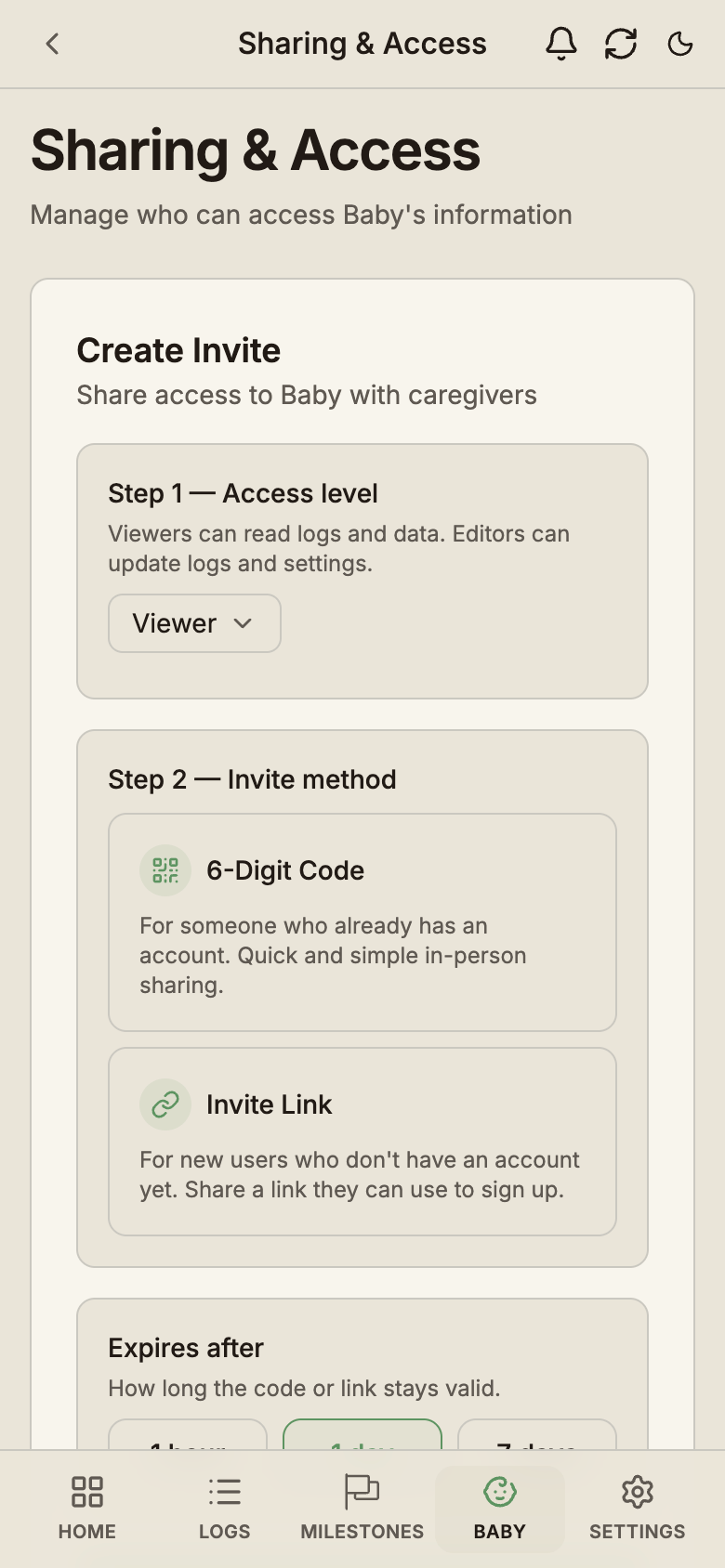
Most babies have more than one caregiver. A partner, a grandparent, a nanny, a friend doing the afternoon shift. The app should help the household know:
- When the last feed happened
- How long the baby slept
- Whether a nappy was changed
- Whether pumping was logged
- What notes were added
A good baby tracker should reduce "Did you already…?" conversations. BabyLog syncs across caregivers and devices, so everyone is looking at the same timeline.

If you want a deeper walk-through of how shared tracking changes the day, see how to keep both parents in sync.
Different from form-heavy baby trackers
Many baby tracker apps are feature-rich, but the daily flow can feel form-heavy: choose fields, type values, move through screens, then dig into separate statistics later. That's a lot to do at 3am.
BabyLog is built around a different starting point:
- It starts with the parent's moment, not the form
- It prioritises the actions you take most
- It keeps notes optional
- It makes timelines scannable
- It supports timers and real-life interruptions
- It lets you export your data whenever you want
Less form-filling, more getting back to your baby.
Free everyday tracking
The everyday logs are free, with no time limit and no per-caregiver fee:
- Feeds, sleep, nappies, pumping
- Solids, bath, play, growth
- Notes, medication, temperature
- Caregiver sharing
- Timeline and calendar views
- Ask AI — see how BabyLog works with the AI you already use
- CSV export
- Multilingual interface
See the pricing page for the full Free and Pro split, or browse the features hub for what each log type looks like.
Try BabyLog

BabyLog is free to start. Track feeds, sleep, nappies, pumping, solids and more — with a UI designed for tired hands and real baby days.
Built for the 3am log. Built so routine care takes seconds, not forms.
继续阅读
parenting
How to Keep Both Parents in Sync with Baby Care Tracking
Sleep-deprived parents shouldn't have to text 'when was the last feed?' — here's how BabyLog keeps everyone on the same page across iPhone and Android.
10 March 2026·7 min readproduct
你的宝宝数据应该和 AI 一起工作 — 而不是被它锁住
大多数育儿记录 App 把所谓的 AI 洞察锁在订阅之后,把数据留在自己家里。BabyLog 走的是另一条路 — 一个透明的提示语构建窗口,让你在数据离开设备之前看清要发送什么,可以逐项关掉,然后把它交给你已经信任的任何 AI。
18 March 2026·13 min readtechnical
Why We Built BabyLog as a Progressive Web App
A Progressive Web App is a great foundation for a baby tracker — fast, offline-first, cross-device, and always up to date. The native iOS app uses the same web codebase inside a thin wrapper.
15 March 2026·5 min read
Ready to start tracking?
BabyLog works on any device — iPhone, Android, tablet, or desktop. Set up takes two minutes.