
Glow Baby Alternatives: Lighter Baby Trackers for Simple Logging (2026)
Glow Baby packs tracking, community and a shop into one app. If you just want to log your baby simply, here are lighter alternatives — including Glow Baby vs Huckleberry.

Glow Baby is a feature-rich app — it combines activity tracking with an in-app community and a built-in shop. That's great if you want everything in one place, but it can feel heavy if all you really want is to quickly log feeds, sleeps and changes.
If you're after something lighter, here are the main alternatives, including a head-to-head with Huckleberry. Details are as of June 2026.
What Glow Baby actually is
Glow Baby is really three things in one app: a tracker, a community (photo sharing and "Glow babies" comparisons against other users' data), and a shop (a full store selling breast pumps, nipple care and more).
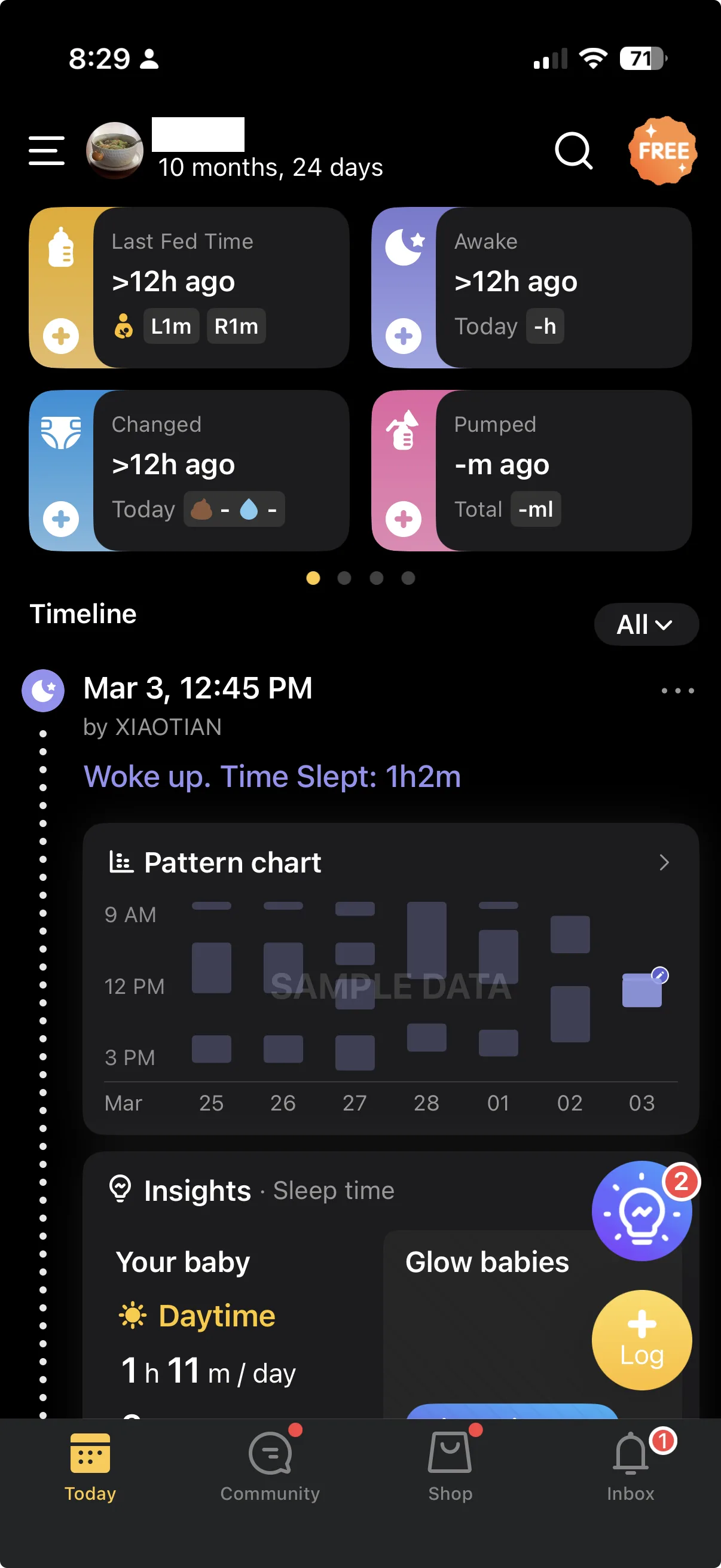
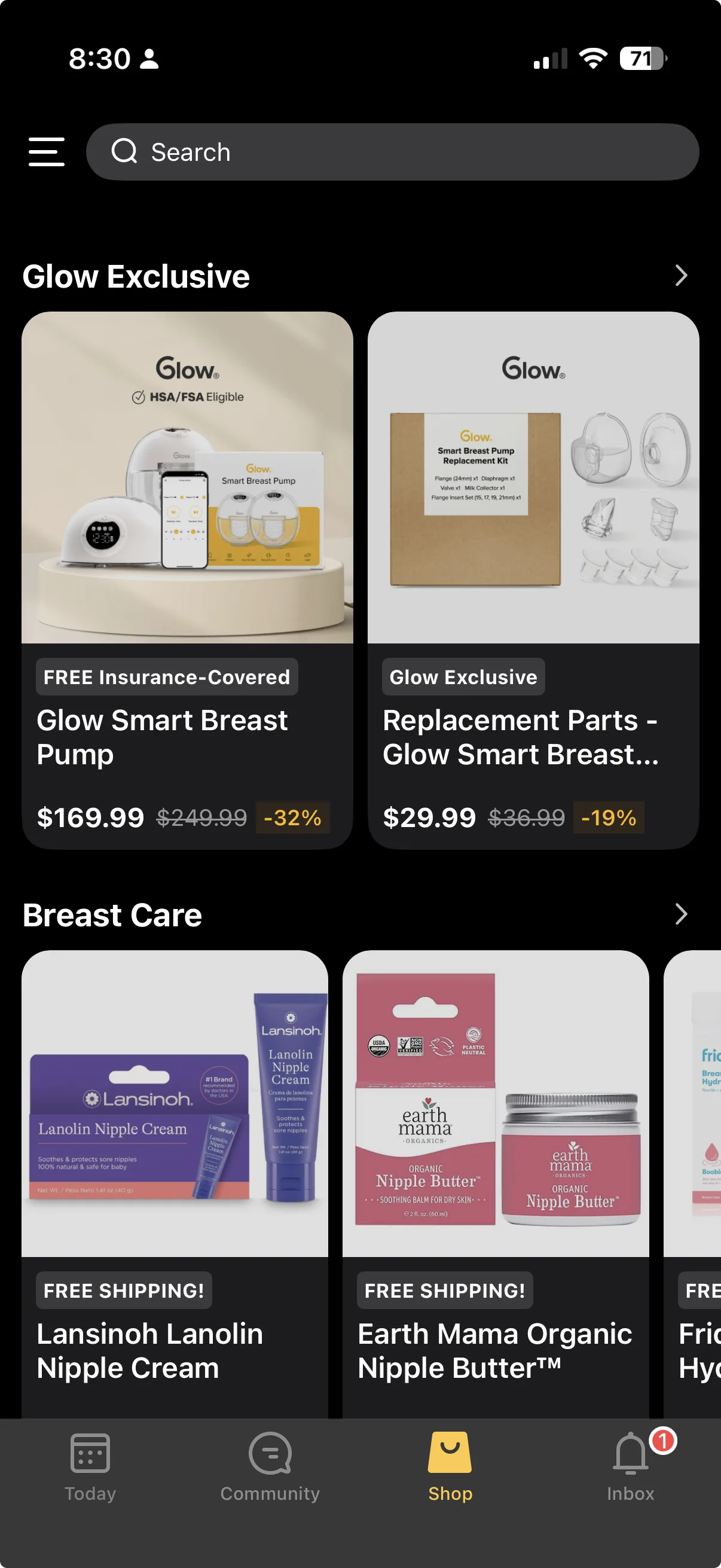
It's genuinely capable and premium-feeling. The flip side is a busier interface — when you just want to log an activity, there's more on screen to navigate around. And CSV export sits on the paid plan, so on the free tier you can't pull your own data out as a file.
If that all-in-one approach suits you, Glow Baby is a strong app. If you'd rather a simpler logger, read on.
Glow Baby vs Huckleberry
Huckleberry is the most common alternative people weigh against Glow Baby. It's more focused: tracking plus class-leading sleep support (nap-timing predictions and structured sleep plans), without the community or shop.
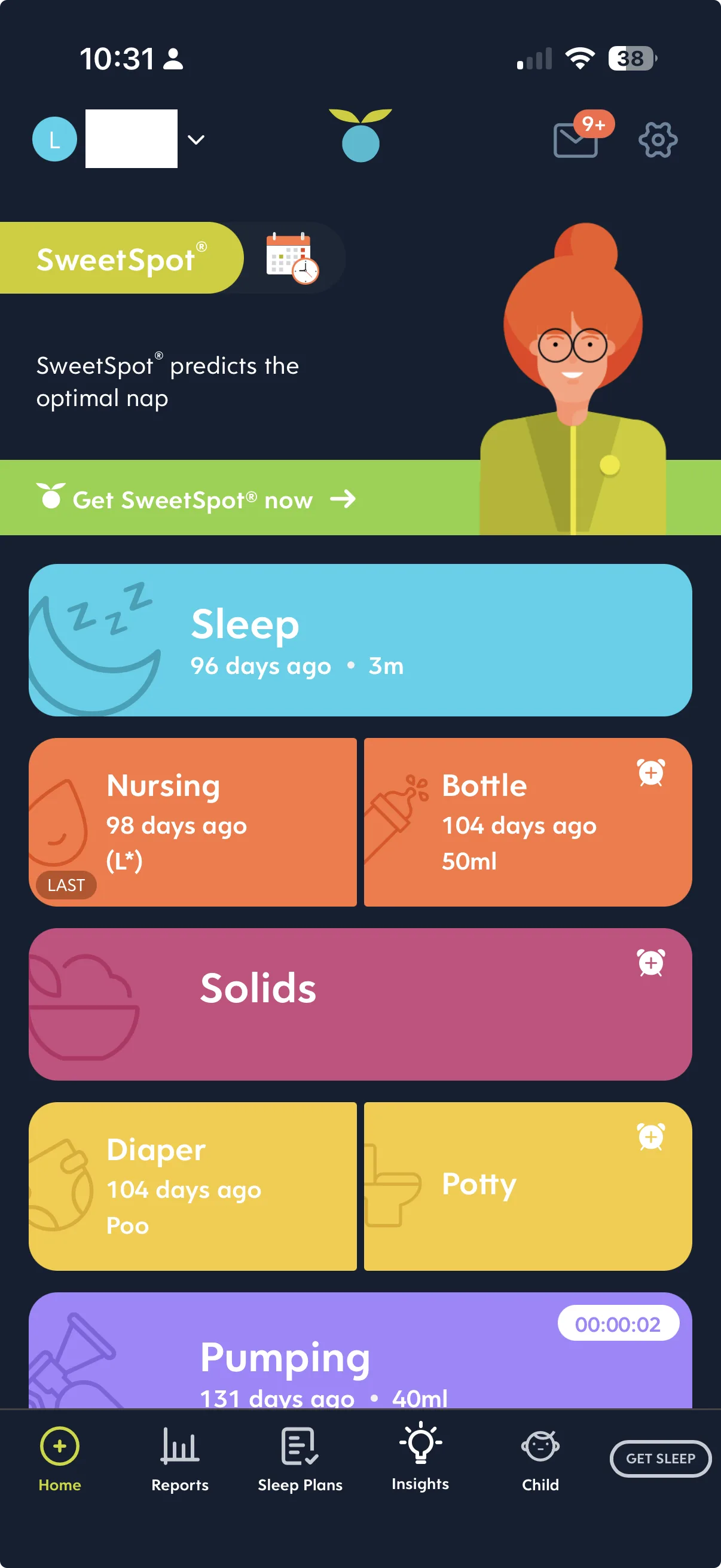
In short: choose Glow Baby if you want community and shopping built in; choose Huckleberry if you want a cleaner, tracking-and-sleep app. Huckleberry's deeper sleep features are paid, but its free tier still covers the everyday tracking. We go through the pair in detail in Huckleberry vs Glow Baby.
Baby Daybook
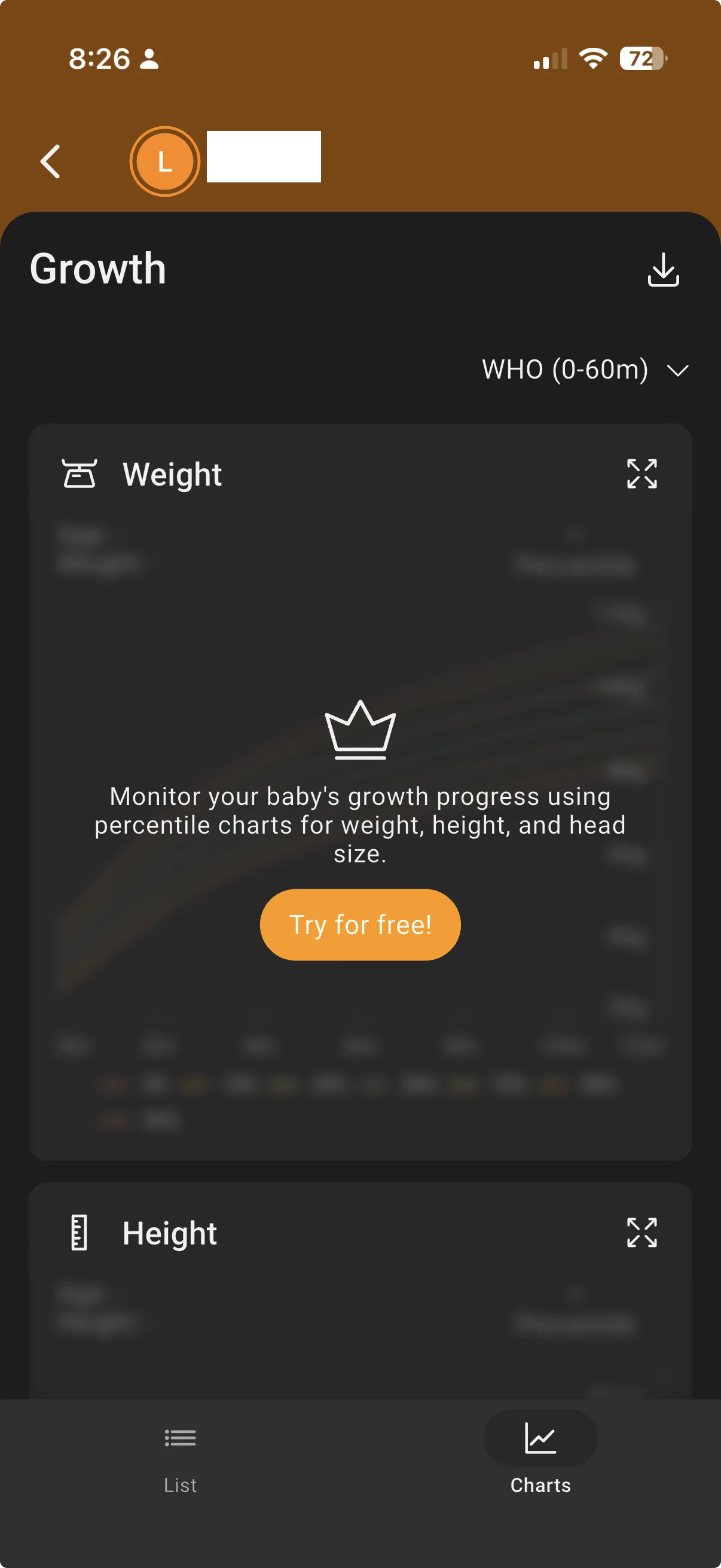
Baby Daybook is another lighter-on-features option, built around a "groups" system for tagging logs. It's capable, but it can feel technical and typing-heavy, and a couple of the review features are paywalled: the multi-day timeline and the growth charts both require the paid plan.
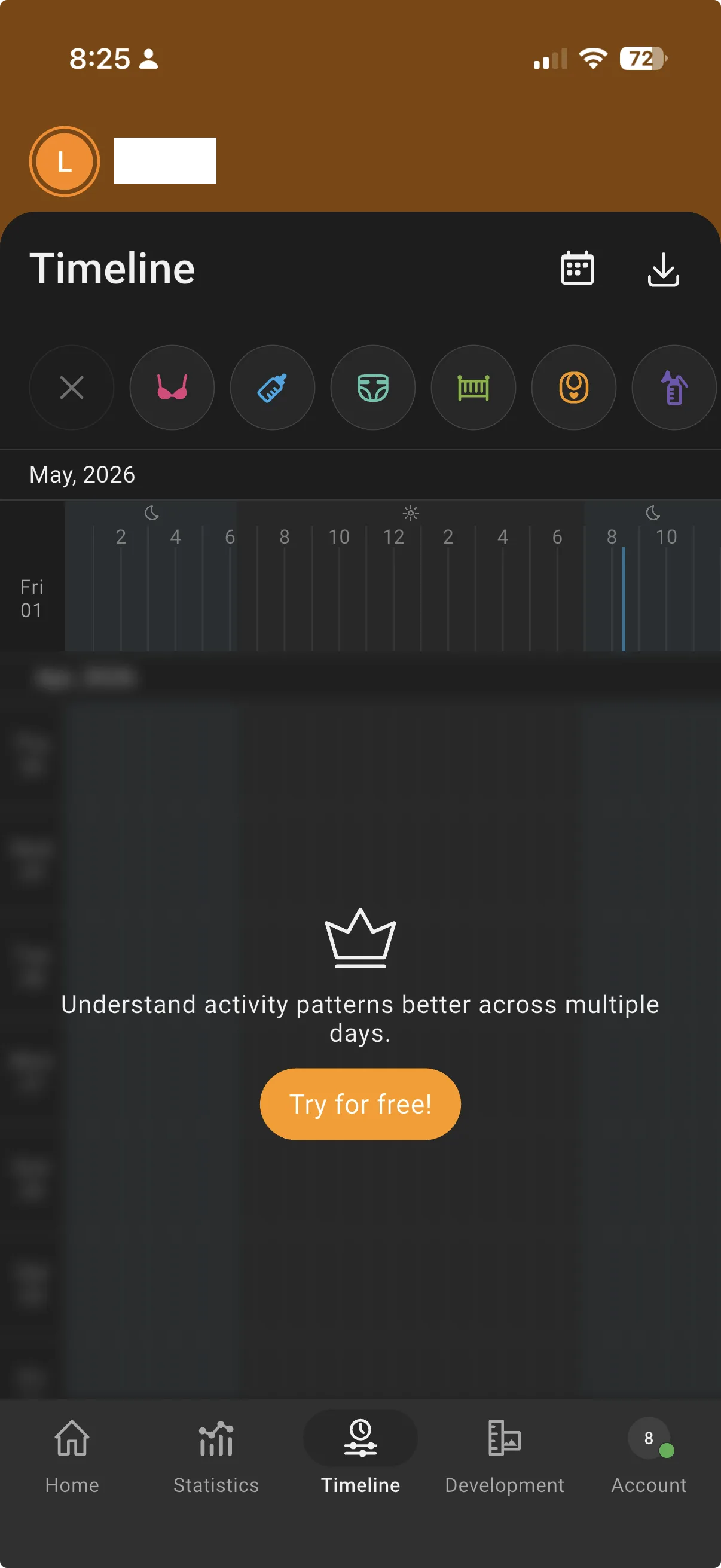
In the Australian App Store in September 2026, Premium was listed at A$2.99 to A$7.99 a month, A$16.49 to A$49.99 a year, or A$83.99 or A$139 for lifetime. For the full comparison, see Huckleberry vs Baby Daybook.
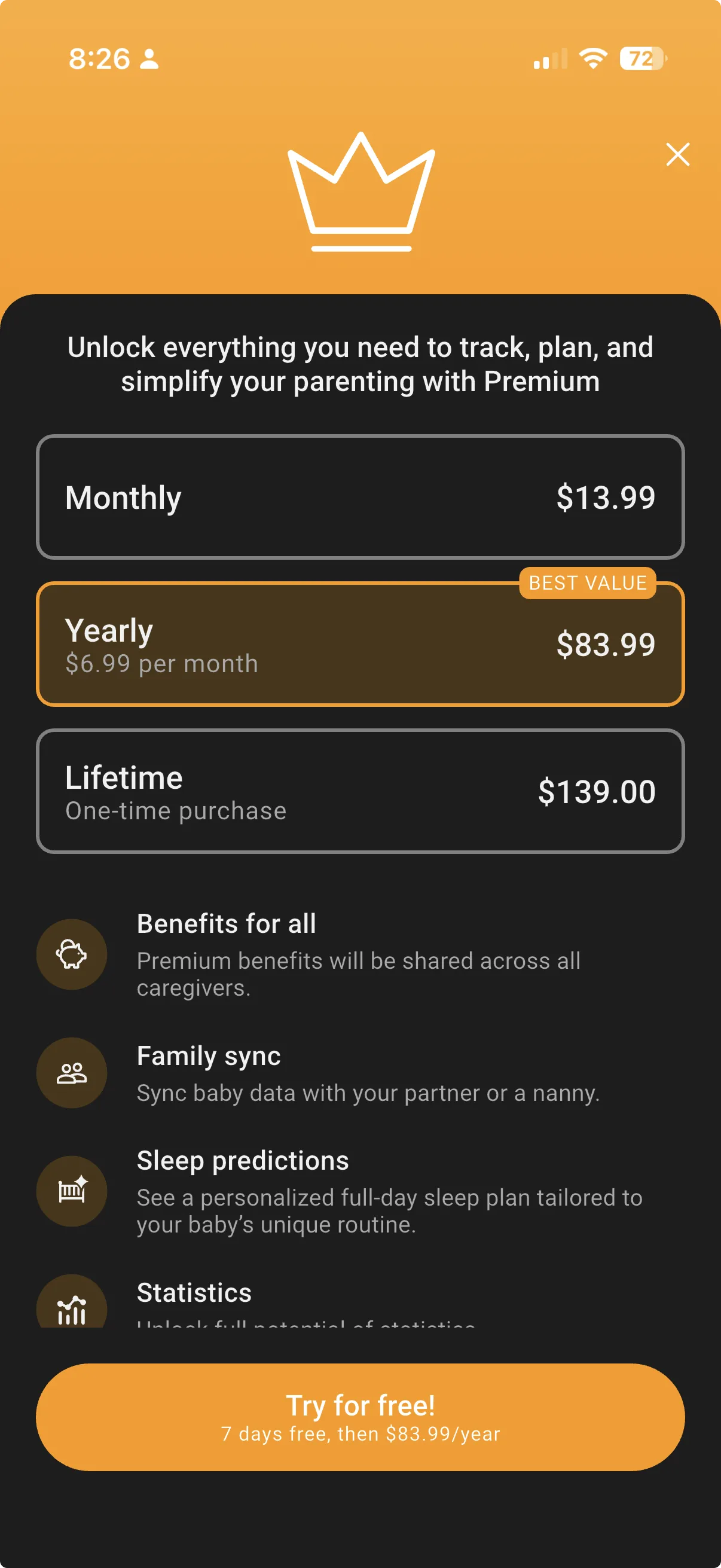
Prices can change at any time. For current pricing, see the Baby Daybook App Store listing(opens in a new window).
BabyLog
BabyLog is a tracker made in Australia, built around low-effort logging — routine entries save in a couple of taps from sensible defaults, with little to no typing. Its colour-coded timeline and calendar are there to use without a paywall, growth charts use WHO percentiles for free, and CSV import and export are both free, so your history stays yours. It's a simpler, lighter app than Glow Baby, without a community feed or shop.
Which to pick if…
- You want community and a shop in one app: stick with Glow Baby.
- You want a clean tracker with the best sleep support: Huckleberry.
- You want lots of tagging structure and don't mind paying for the timeline/growth views: Baby Daybook.
- You want fast, low-typing logging with free timeline, growth charts and export: BabyLog.
The best tracker is the one that matches how you actually log — most are free to start, so trying one or two is the quickest way to know.
Weighing up Nara Baby instead? Our Nara Baby alternatives guide compares what each app charges to sync a second caregiver's phone, with Australian prices.
Ready to start tracking?
BabyLog works on any device — iPhone, Android, tablet, or desktop. Setup takes two minutes.
Keep reading

BabyLog vs Glow Baby: A Calmer Tracker or a Broader Ecosystem?
A fair side-by-side comparison of BabyLog and Glow Baby — daily logging effort, reviewing the day, sharing, offline use, data export, multilingual support and pricing — for parenting in Australia, deciding between a focused tracker and a broader ecosystem.

BabyLog vs Baby Daybook: Mainstream Tracker vs Low-Effort, Made in Australia
A fair side-by-side comparison of BabyLog and Baby Daybook — daily logging effort, reviewing the day, caregiver sharing, offline use, data export and multilingual support — for parenting in Australia, picking between them.