
App to Track Newborn Feedings and Nappies: What to Look For
A short buyer's guide for parents looking for an app to track newborn feeds and nappies — six qualities that matter day-to-day, and how to evaluate any tracker against them.
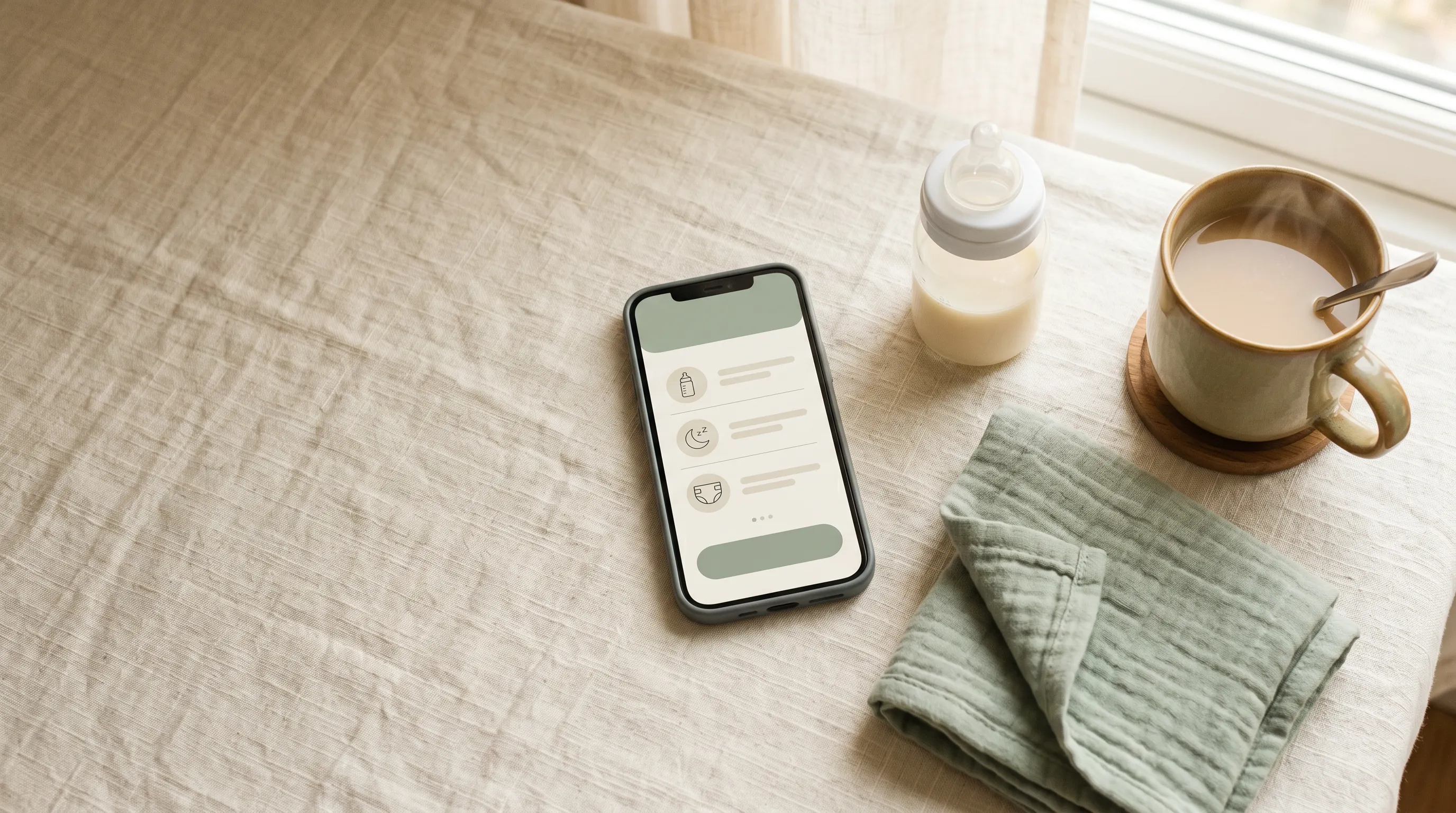
You can use almost any baby tracker for the basics. So why does picking one feel so hard at 2am with a screaming newborn?
Because the differences only matter once you've used the app a hundred times. By then, switching is annoying.
This post is a short buyer's guide — the six qualities that actually matter when you're logging feeds and nappies many times a day, often one-handed, often half-asleep. Use them as a checklist against whichever apps you're considering.
How often you'll actually use this app
In the first six weeks, a newborn typically takes eight to twelve feeds and six to ten nappies a day. That's at least fifteen taps into the app, every single day, for weeks. Before you commit, look at the logging flow and ask yourself: am I really doing this fifteen times a day with one hand?
The qualities below are ordered by how often they will hurt you if you get them wrong.
1. Logging is fast and one-handed
The single biggest difference between baby trackers is how long a routine log takes.
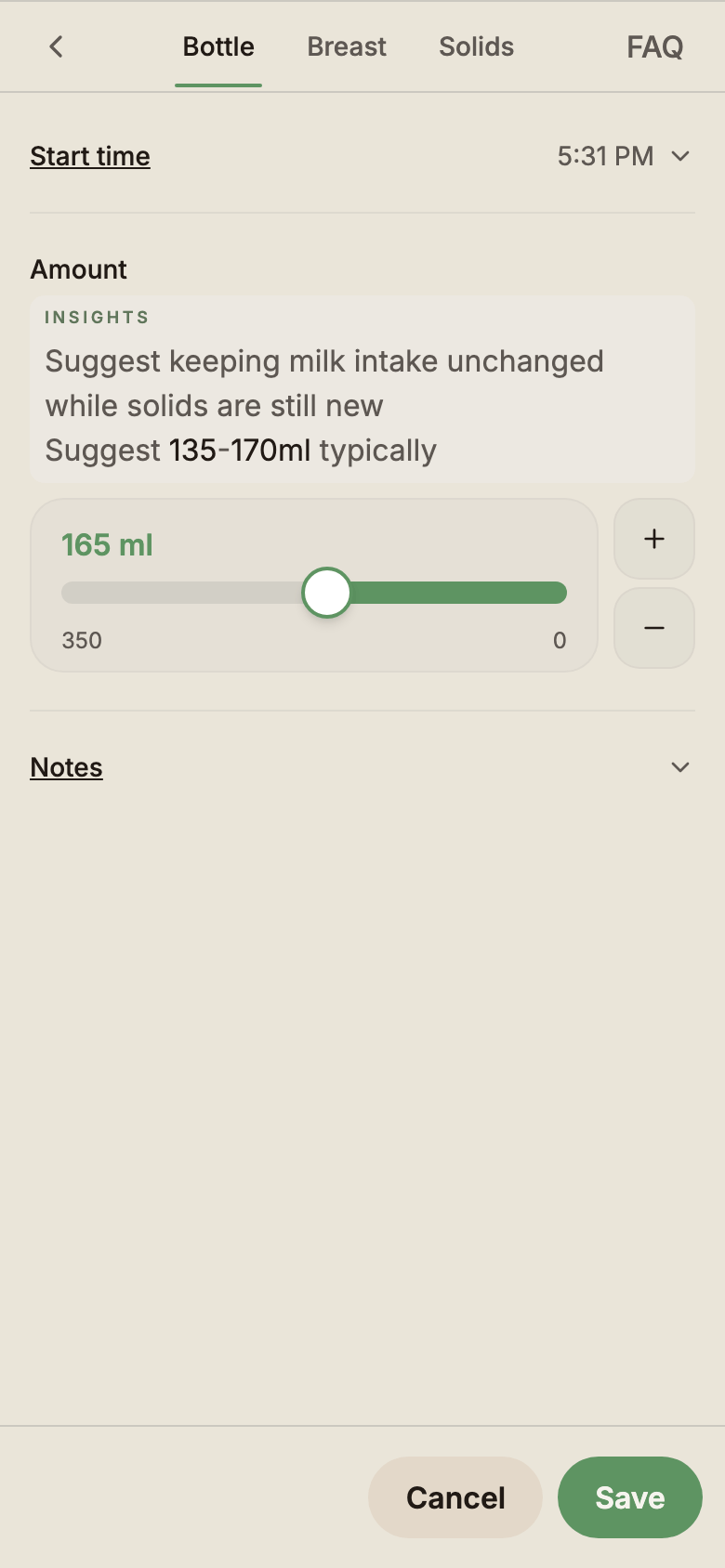
A good newborn tracker should let you:
- log a nappy in one tap (or one tap and one quick option)
- start a feed timer in one tap
- avoid form fields, drop-downs, or "save" buttons for the common case
- keep all the most-used controls within thumb reach
If logging a single wet nappy takes five taps and a save dialog, you will stop using it. Try the first-feed and first-nappy flow before you commit.
2. Shared across caregivers in real time
If two parents are caring for the same baby, both parents need to see the same log. Without shared access you'll keep asking each other "when was the last feed?" — which is the whole reason you downloaded a tracker in the first place.
What to look for:
- shared access without per-seat or per-caregiver fees
- changes from one device appear on the other within seconds
- a third or fourth caregiver (grandparent, nanny, in-home carer) can be added without renegotiating the plan
- the receiver doesn't need the same kind of phone you have
If sharing costs extra per caregiver, you're effectively paying twice for the same data.
Expecting twins? Check how an app handles two babies as well as two adults. Our guide to tracking twins covers both.
3. Works on iPhone and Android equally
Plenty of households are mixed-platform. One iPhone, one Android. One parent and one grandparent on whatever they happen to own.
A good tracker should:
- run the same on iPhone, Android, tablet, and a laptop browser
- not require both caregivers to be on the same platform for real-time updates
- not depend on platform-specific features (iCloud-only sync, Google account-only sign-in)
If "Android version coming soon" is on the homepage, the company has half-built it. Pick something cross-platform from day one.
4. Works offline and on flaky connections
Parents use baby trackers in places with terrible reception: grandma's kitchen, the back of the car, the lift on the way down to daycare, the cafe with the "free wifi" that never connects. Newborn feeds don't pause for the network to come back.
A good tracker should:
- save logs to the device immediately, before any network call
- continue working with no connection at all
- sync quietly in the background when the connection comes back
- handle two caregivers logging at once without losing entries
If the app spins or fails to save when the wifi drops, that's not a corner case — that's three times a day.
5. A calm, scannable timeline
Logging is half of the job. The other half is reading the day back.
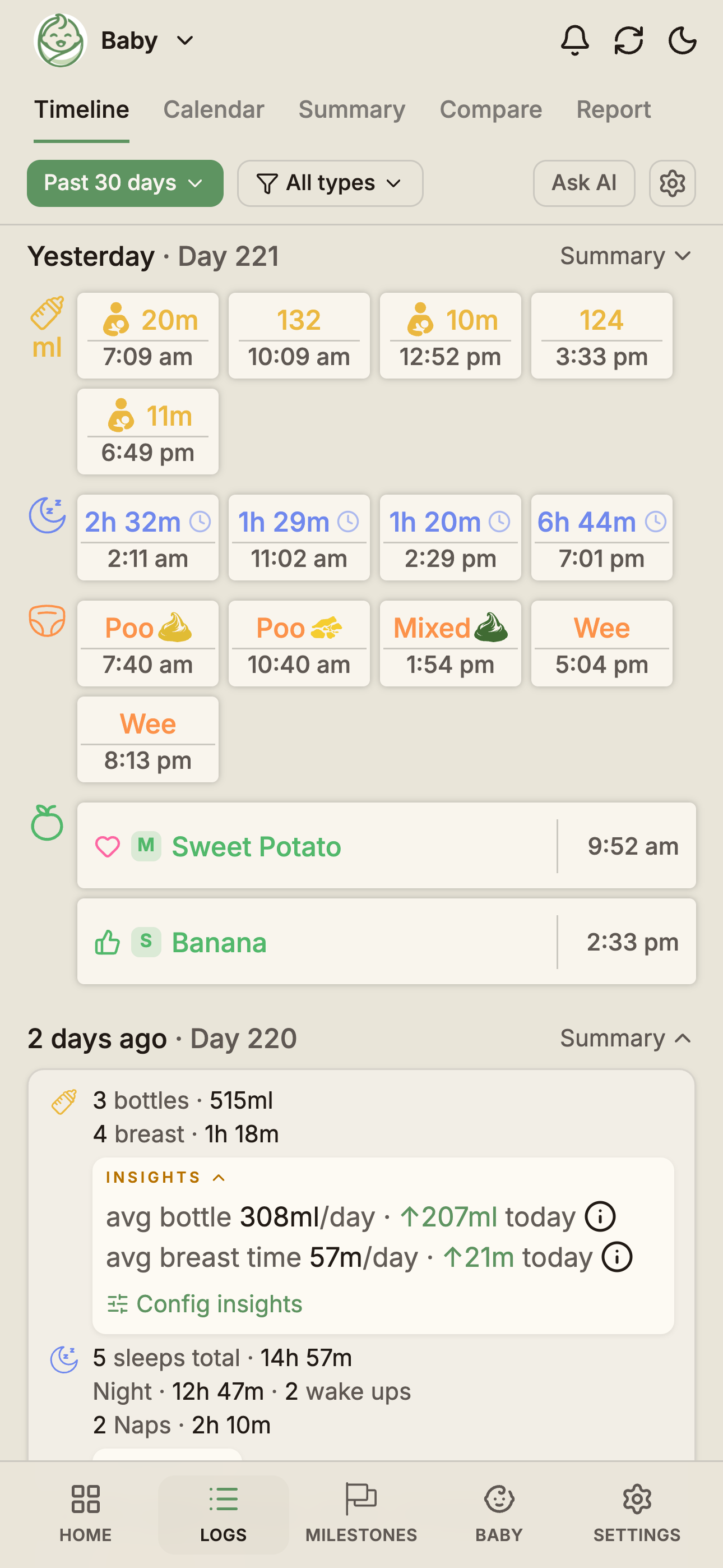
When you hand the baby over at 3am, your partner needs to know: when was the last feed, which side, how long, when was the last nappy, was anything unusual. That should be visible in one glance — not buried inside three separate tabs. If the side is the question you keep asking, see how to remember which side you breastfed on last.
What to look for:
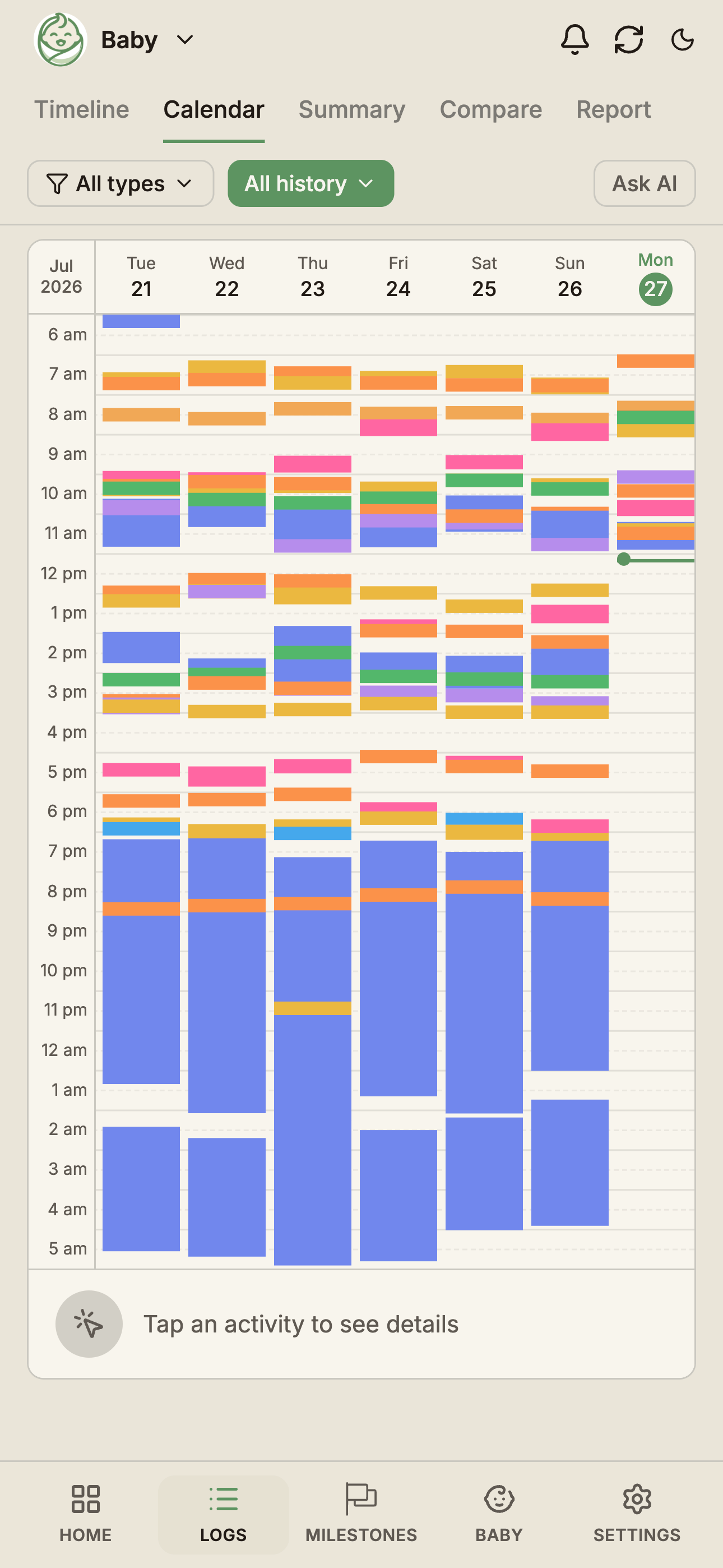
- a single chronological timeline of the last few hours
- colour or shape coding that's obvious without reading text
- per-day rollups (total feed minutes or millilitres, sleep hours, nappy counts)
- a quick way to see the last entry of each type, even if older
Apps that paint a wall of identical icons across the day look impressive in screenshots and are hard to read in practice.
6. You can leave anytime
You're trusting this app with months of your baby's most intimate routine data. Make sure you can take it with you.
- CSV export should be free — every entry, every field, no paywall.
- Import from another tracker should be possible — even messy CSV input.
- Delete should mean delete — when you close the account, the data goes.
This isn't paranoid — it's basic respect for your data. If the app makes you pay to leave, that's a tell.
How BabyLog stacks up on this checklist
We built BabyLog because we kept failing this exact checklist with the apps we tried.
- Logging is built around one-tap actions and a one-handed layout — see the feeding and nappies feature pages.
- Caregiver sharing is free, no per-seat fees — see the sharing page and the Free vs Pro split.
- BabyLog is the same app on iPhone, Android, tablet, and laptop — one codebase, real-time sync across them.
- Local-first storage means every log saves before any network call, so logging is instant and offline use is normal.
- The logs timeline groups your day into per-period rollups with colour-coded activity types so a 3am handoff takes a glance, not a scroll.
- CSV export is free, and the Ask AI feature means your data also works with whatever AI assistant you already trust.
If you want a landing page that focuses on this exact use case, see the newborn feeds and nappies tracker page.
If you only remember three things
- Speed beats features. A tracker you actually use is worth more than the perfect tracker you abandon.
- Shared access should be free. A locked sharing tier means you'll just keep texting each other.
- You should be able to leave. Free CSV export is the cheapest insurance policy against changing your mind in six months.
BabyLog is free to start and takes about two minutes to set up. Try it, or see what Pro adds if you want longer history and deeper insights once you're a few months in.
Ready to start tracking?
BabyLog works on any device — iPhone, Android, tablet, or desktop. Setup takes two minutes.
Keep reading
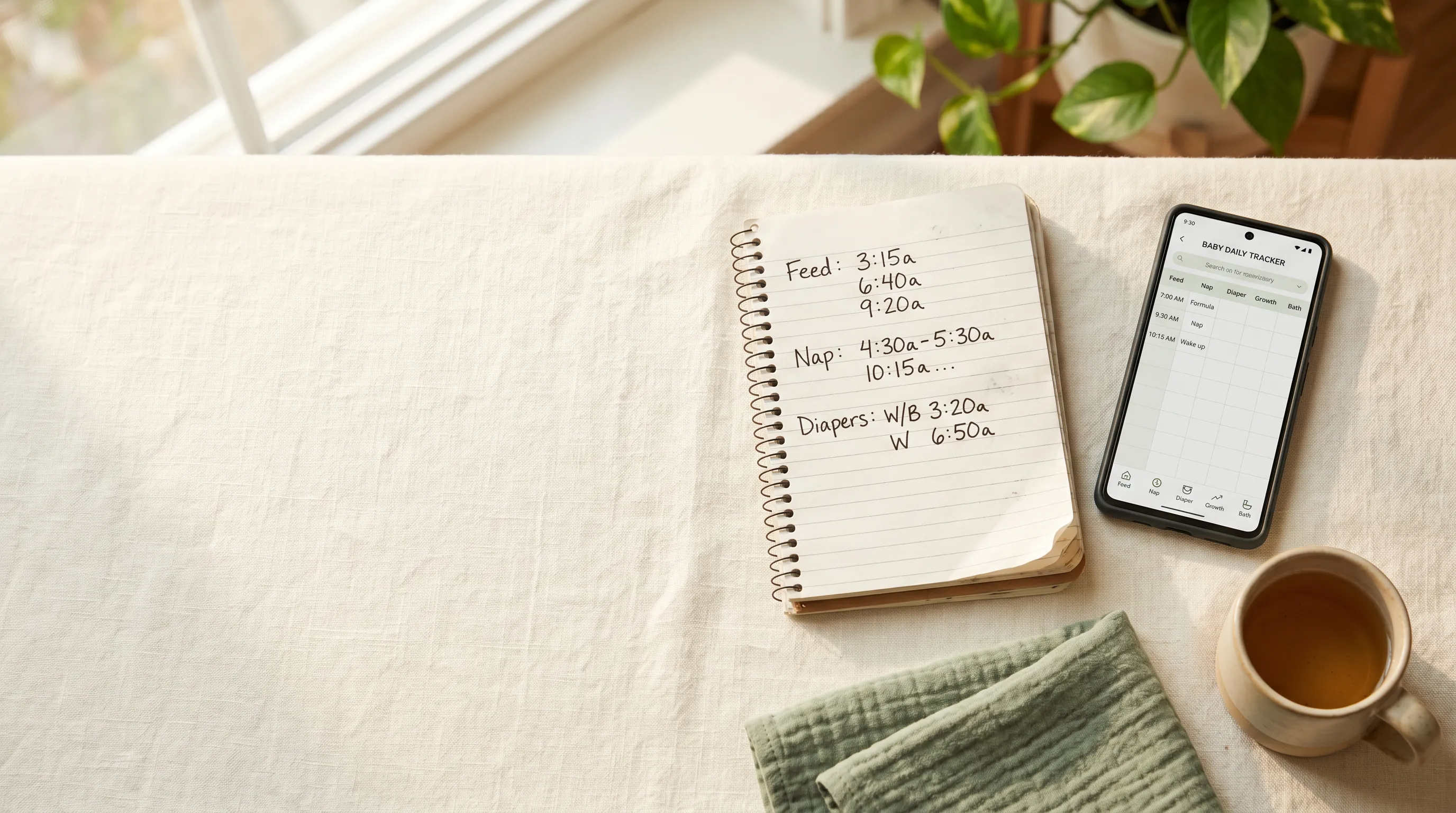
Feeding and Nappy Log: When the Notes App Starts Working Against You
Plenty of parents start tracking feeds and nappies in the Notes app, a sticky note on the fridge, or by texting their partner. Here's where that breaks down — sometimes by week two, sometimes by month five — and what a proper feeding and nappy log gives you in return.

How to Keep Both Parents in Sync with Baby Care Tracking
Sleep-deprived parents shouldn't have to text 'when was the last feed?' — here's how BabyLog keeps everyone on the same page across iPhone and Android.