
Time Slider
Every log type in BabyLog uses the same time slider for when did this happen. Most logs need one tap — the slider defaults to now. The features below cover the cases that aren't "right now".
Default behaviour
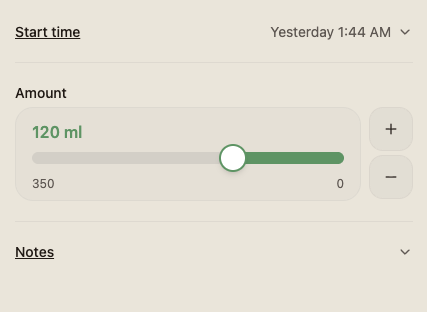
When you open any log modal:
- Start time defaults to now. Tap Save and it's logged at this moment.
- The time field is collapsed so the form is short — it shows up as a one-line pill at the top of the modal. Tap the pill to expand the slider.
- Logs that have both a start and end (sleep, pumping, play) come with a built-in timer — start it as the activity begins and both times are filled in for you — or expand the collapsed start and end fields and set the times yourself.
That's the path for 90% of logging. Open · save · close.
Adjust by minutes
Tap the time pill to expand the slider and you get a horizontal scroller of nearby times. Drag to nudge by a few minutes — useful when the feed actually started ten minutes ago but you were busy.
The + and − buttons on the side step by one minute on a tap; hold them down and they accelerate — 5, then 15, then 30, then 60 minutes a step the longer you hold.
Type a time directly
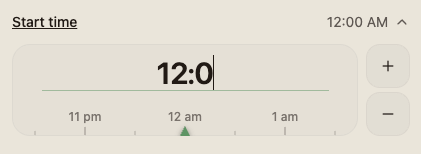
Tap the time text itself. It becomes an editable field — type a time directly. Accepts 24-hour format (14:30) or 12-hour format (2:30 PM). The slider shows back whichever format you've set (12h / 24h) once you confirm.
The date pill
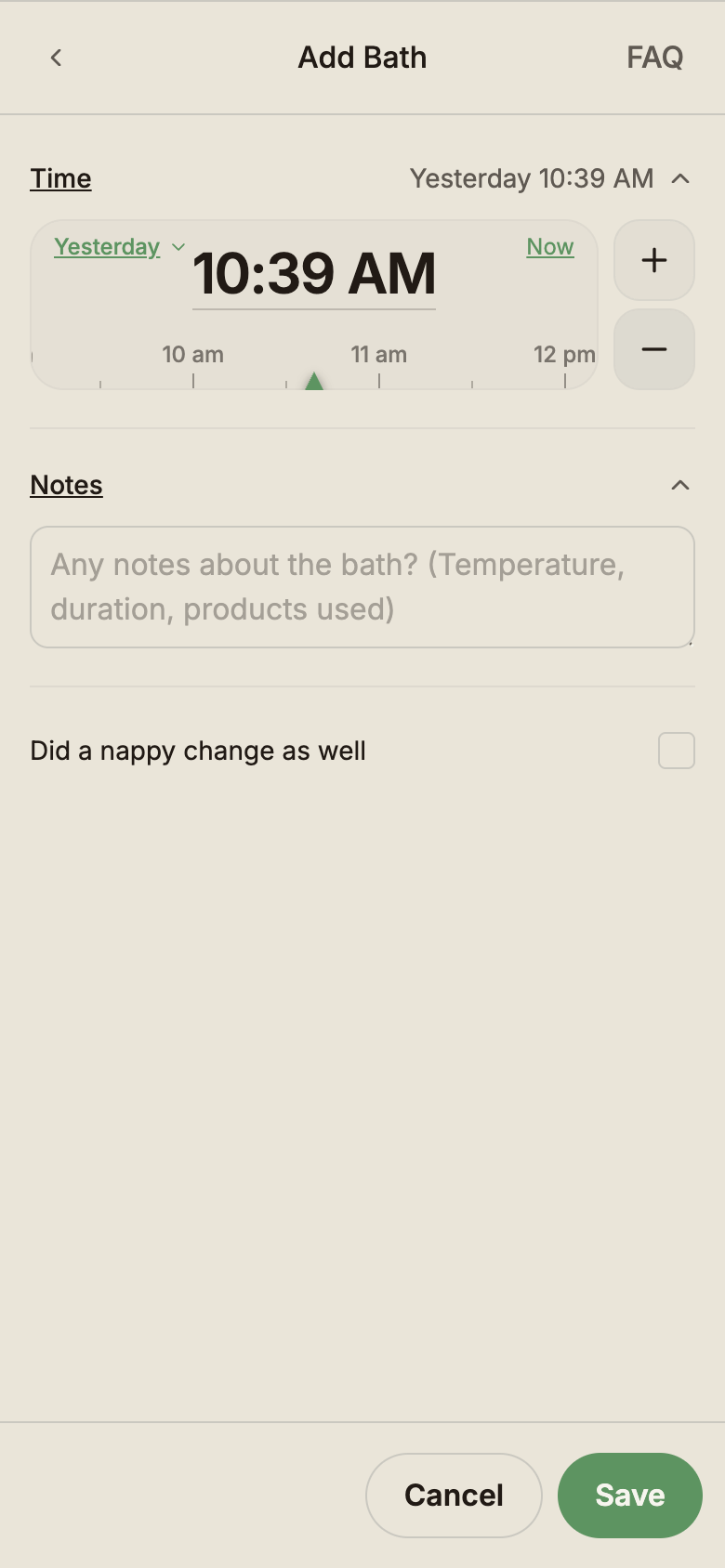
As you scroll the time slider backward and cross midnight, a date pill appears in the slider showing which day you've reached — Yesterday, 2 days ago, the actual date once you go further back.
It's there so a 3 am scrub doesn't leave you wondering whether you've gone back into yesterday or stayed in today — the label updates as you cross each day boundary. The pill is also tappable: it opens a calendar so you can jump straight to a date up to a year back, instead of scrolling hour by hour.
Logging across midnight
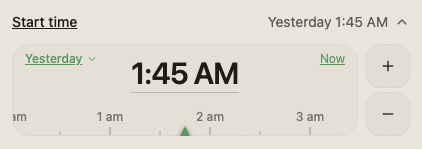
For logs with a start and end — sleep, pumping, play — you can span midnight in a single entry. Pick a start time before midnight on one day and an end time after midnight on the next; the slider keeps the dates straight and the duration is calculated correctly.
This matters for sleep summaries: a 9 pm → 5 am stretch is one sleep of eight hours, not two scraps split by the date boundary.
Future times & reminders
The slider can scroll a little past now — up to a day ahead — and labels the position In future so you always know you've left the past. It stops at the future limit rather than letting a log drift days ahead by accident.
Want BabyLog to nudge you when the next feed or sleep is due? That's not done through the slider — feed and sleep reminders live in Settings → Notifications, where a smart mode learns your own logging rhythm or a custom mode uses an interval you set.