
Log Types
Every log type in BabyLog — feed, sleep, nappy, solids, pumping, bath, growth, play, temperature, medication, symptoms, and notes.
BabyLog ships with twelve log types, each tuned for one piece of newborn care. Every type has the same skeleton — a time, optional notes, and a few fields specific to what you're tracking. This page is the reference for what each one captures.
Open any log type by tapping the + on its tile on the Home screen.
Feed
Two feed methods, one log type.
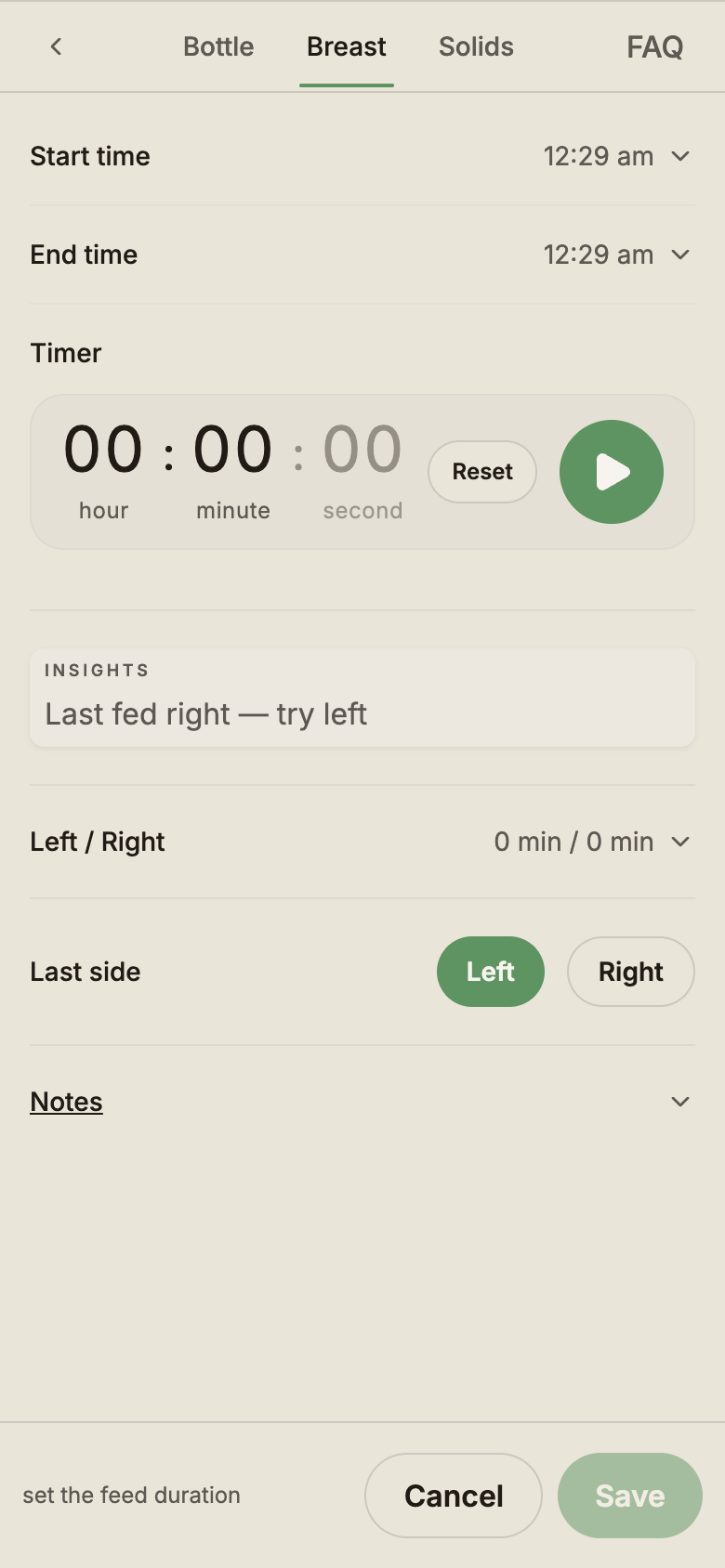
Breast
- Duration — total minutes, from the built-in timer or set directly
- Left/right split — an optional slider that divides the total between sides
- Last side — the side baby finished on (used to suggest the other side next time)
- Estimated — flag a feed where you're guessing how long
- Notes — free text
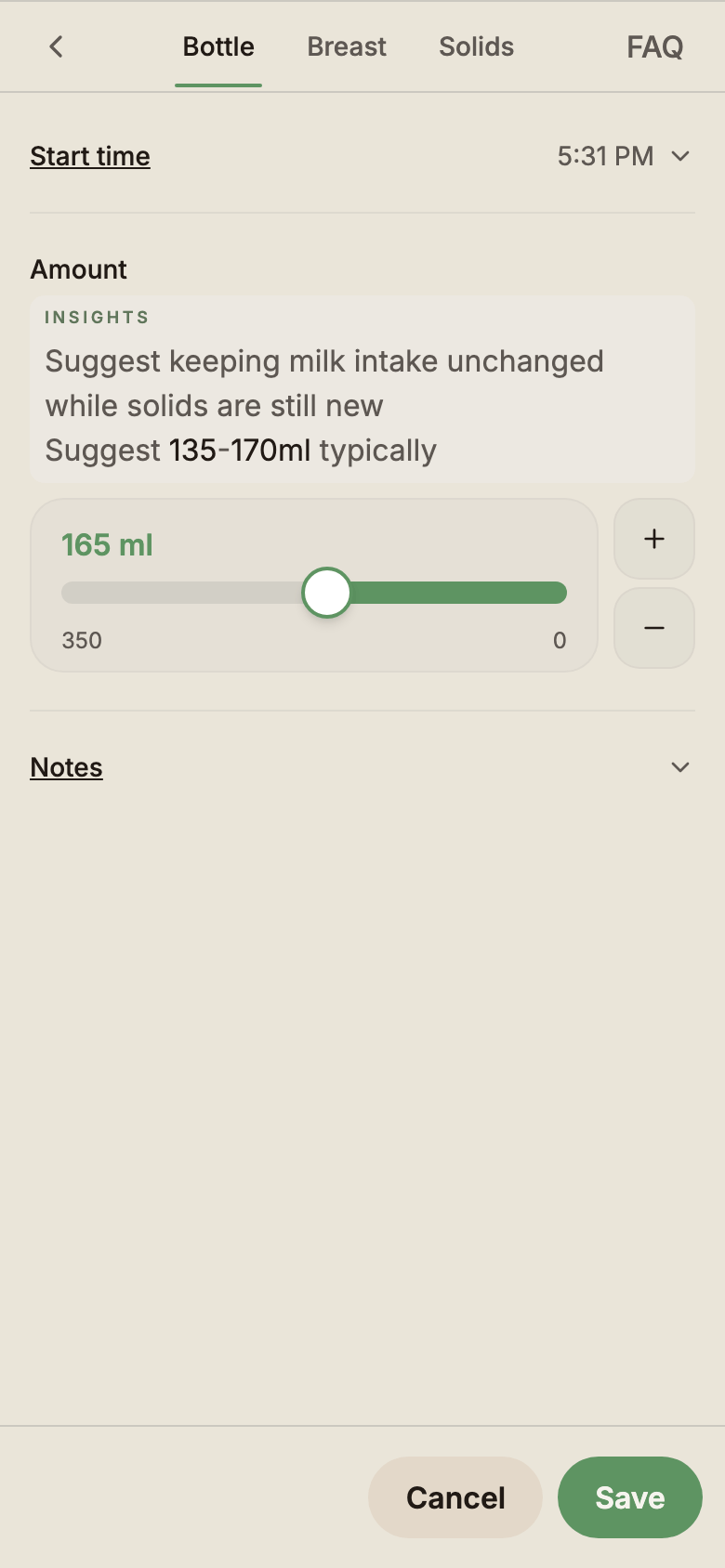
Bottle
- Amount — volume in millilitres
- Estimated — flag if you're guessing the amount
- Notes — free text
Hand preference — log forms support one-handed use. In Settings → Preferences → Hand preference, pick left or right; the modals move their controls and primary buttons to that thumb.
The Home tile shows an estimated next-feed window based on your recent feeding rhythm. The estimate updates after every saved feed.
Sleep
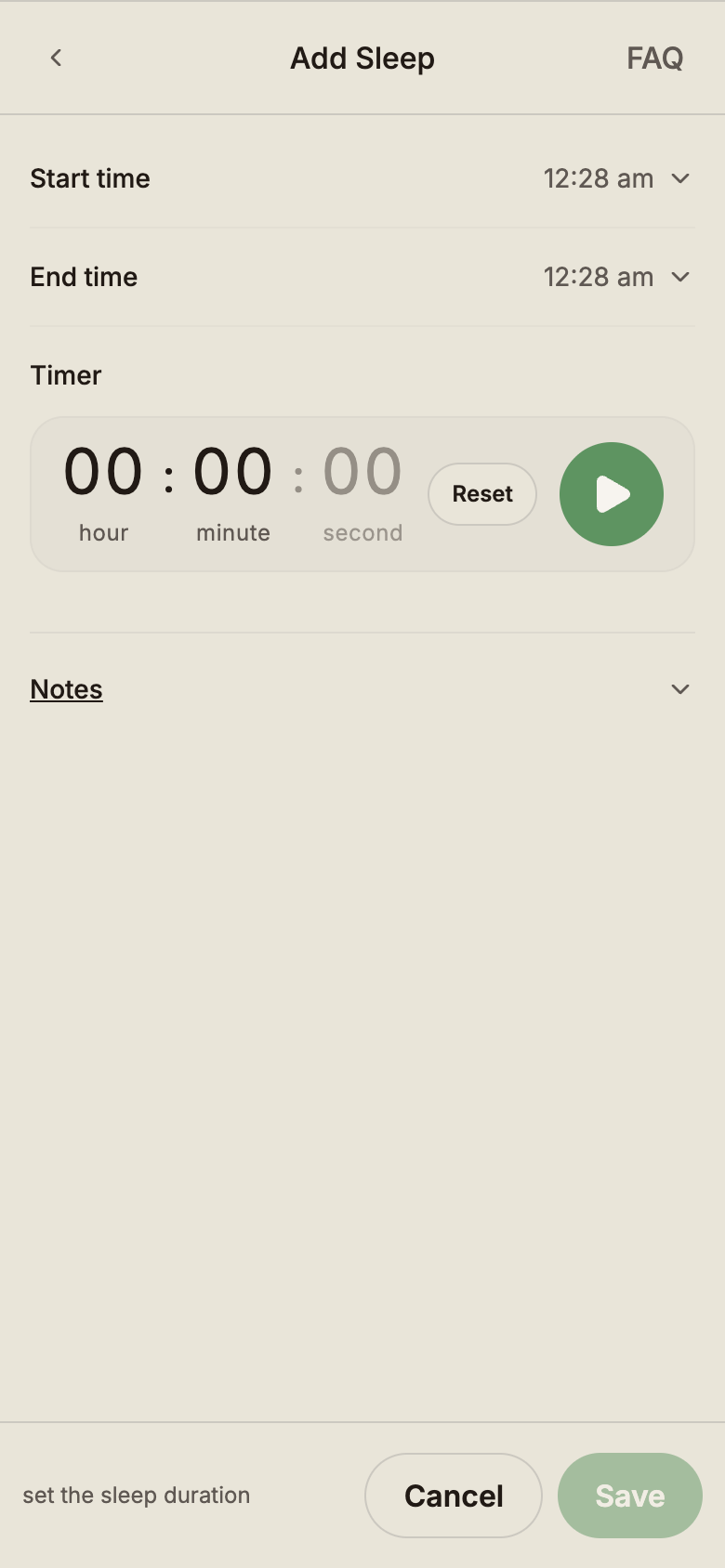
Sleep has two flows:
- Timer — tap Start when baby falls asleep. The Home tile shows a live timer. Tap Stop when they wake. Duration is filled in for you.
- Manual — enter the start time and end time directly when you're logging a past sleep.
Fields
- Start and end — both required to save; while a timer is running, end is left blank
- Duration — calculated automatically
- Notes — free text
If two caregivers each end up with a running sleep timer for the same baby, BabyLog doesn't silently pick a winner — it shows both timers and asks which one to keep.
Nappy
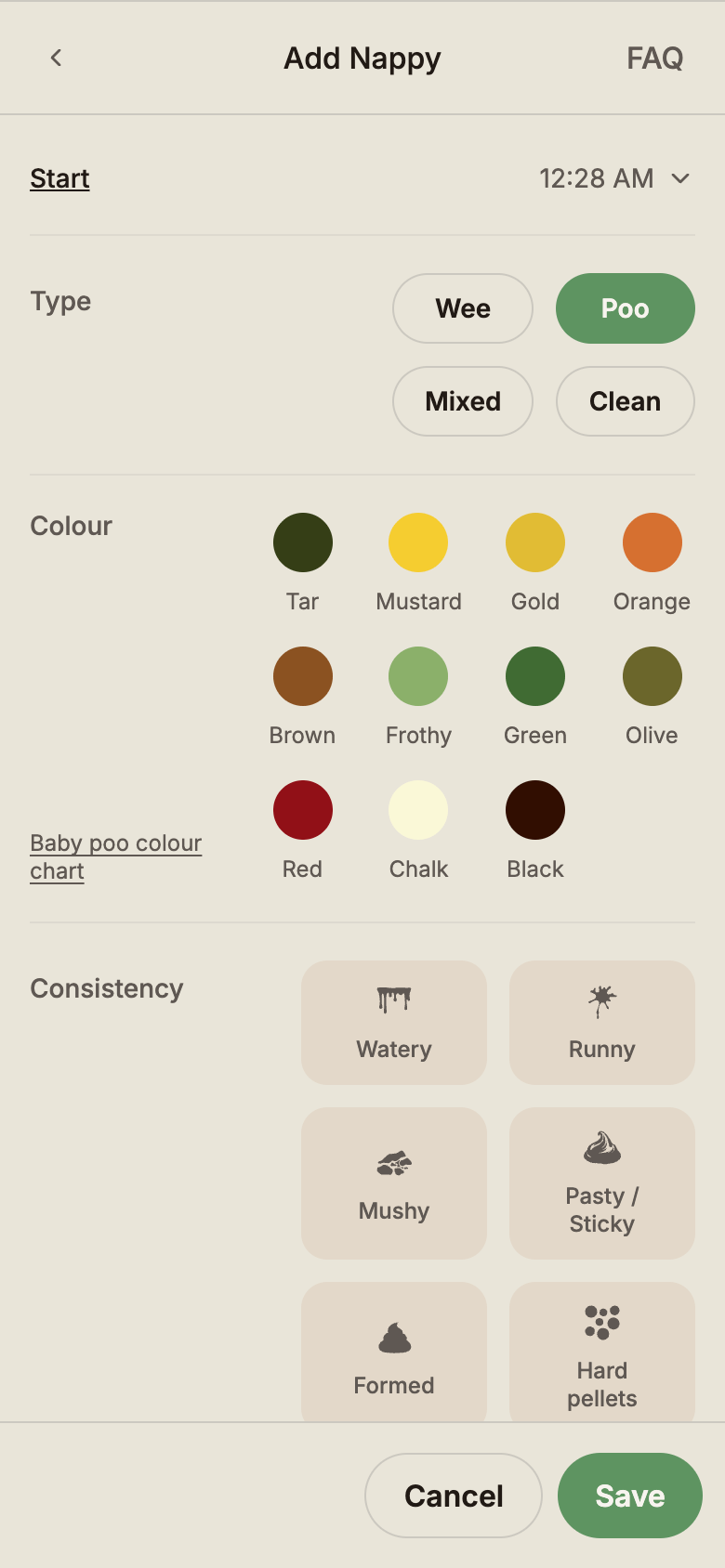
One tap covers a routine change. Add detail when it matters (medical follow-up, watching for allergies, weaning shifts).
Fields
- Type — wee · poo · mixed · clean
- Colour — tar · mustard · gold · orange · brown · frothy · green · olive · red · chalk · black (used for the poo colour chart)
- Consistency — watery · runny · mushy · pasty · formed · hard pellets
- Notes — free text
Type comes pre-selected, and colour and consistency stay optional — so a routine clean-up doesn't take more than a tap on Save.
See our Baby poo colour chart for what each colour usually means.
Solids
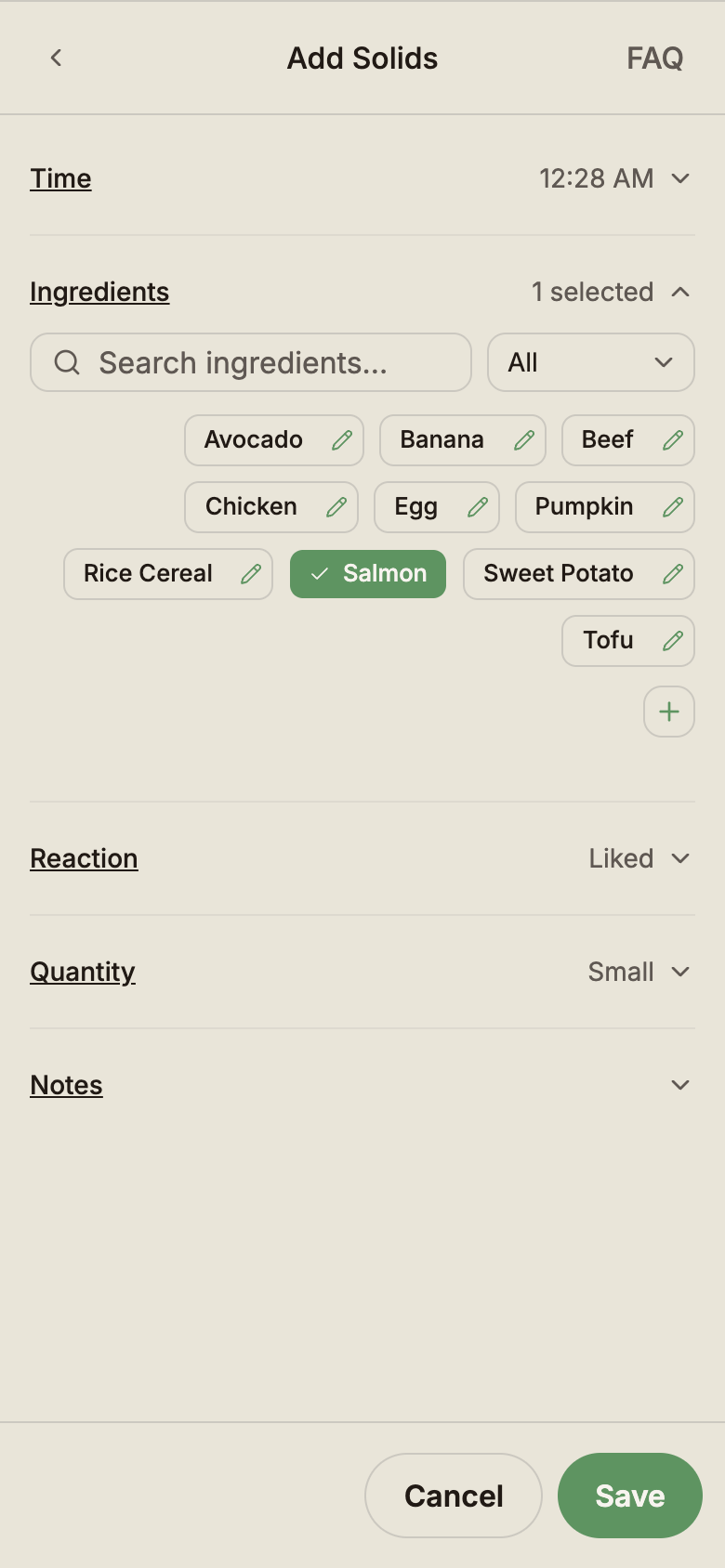
Track food introduction, amounts, and reactions.
Fields
- Food — pick one or more foods from a per-baby food library (new foods are saved as you add them)
- Amount — taste · small · medium · large
- Reaction — loved · liked · hate · allergic
- Notes — free text
Each food in the library can carry an optional category (fruits, vegetables, grains, protein, dairy, mixed meal, drinks, snacks), and each baby has its own food library — so what your toddler ate this week doesn't pollute your newborn's history.
Pumping
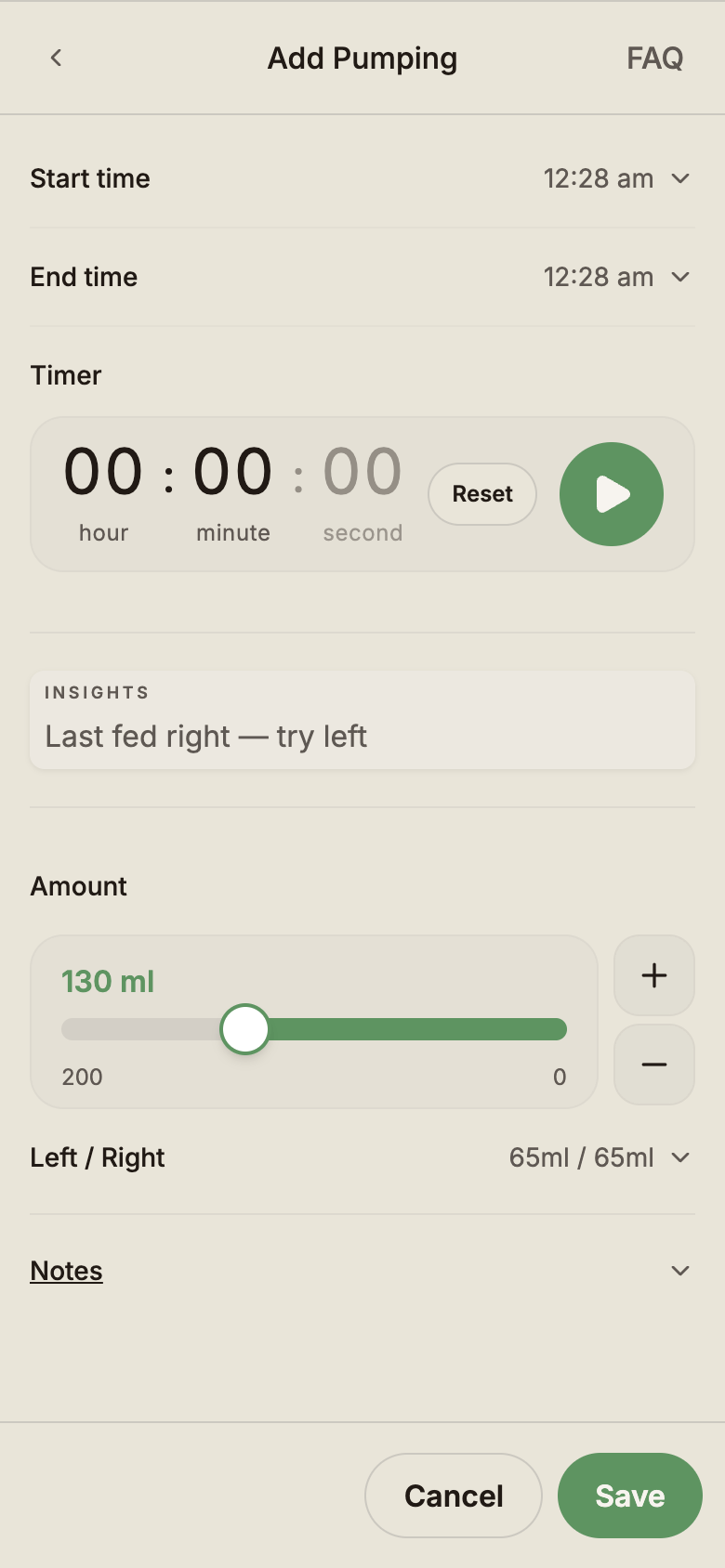
Log expressed milk sessions.
Fields
- Start and end time — duration is calculated
- Left (ml) and Right (ml) — optional per-side split
- Total (ml) — required; auto-fills from left + right if you've entered both
- Notes — free text
If you only track the total, leave the per-side fields blank.
Bath
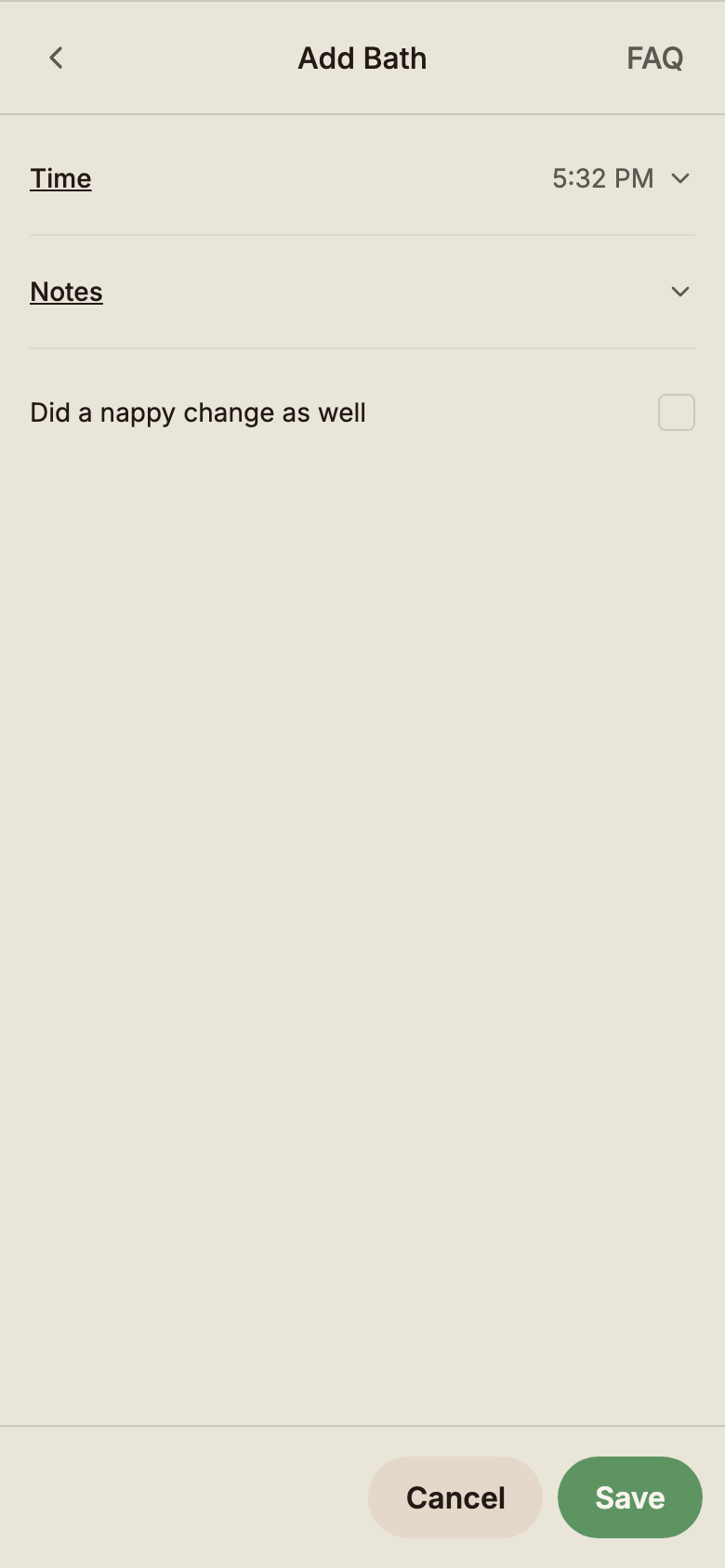
A timestamp so the whole care team knows when the last bath was.
Fields
- Time — defaults to now
- Notes — free text (water temperature, reaction, etc.)
Notes
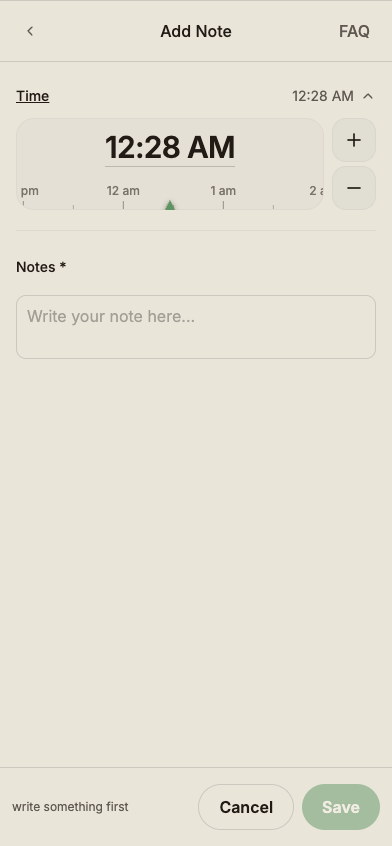
Catch-all for anything that doesn't fit another type — a milestone, a doctor's comment, a moment to remember.
Fields
- Time — defaults to now
- Text — required
Notes appear on the Timeline alongside everything else but are excluded from numeric summaries.
Growth
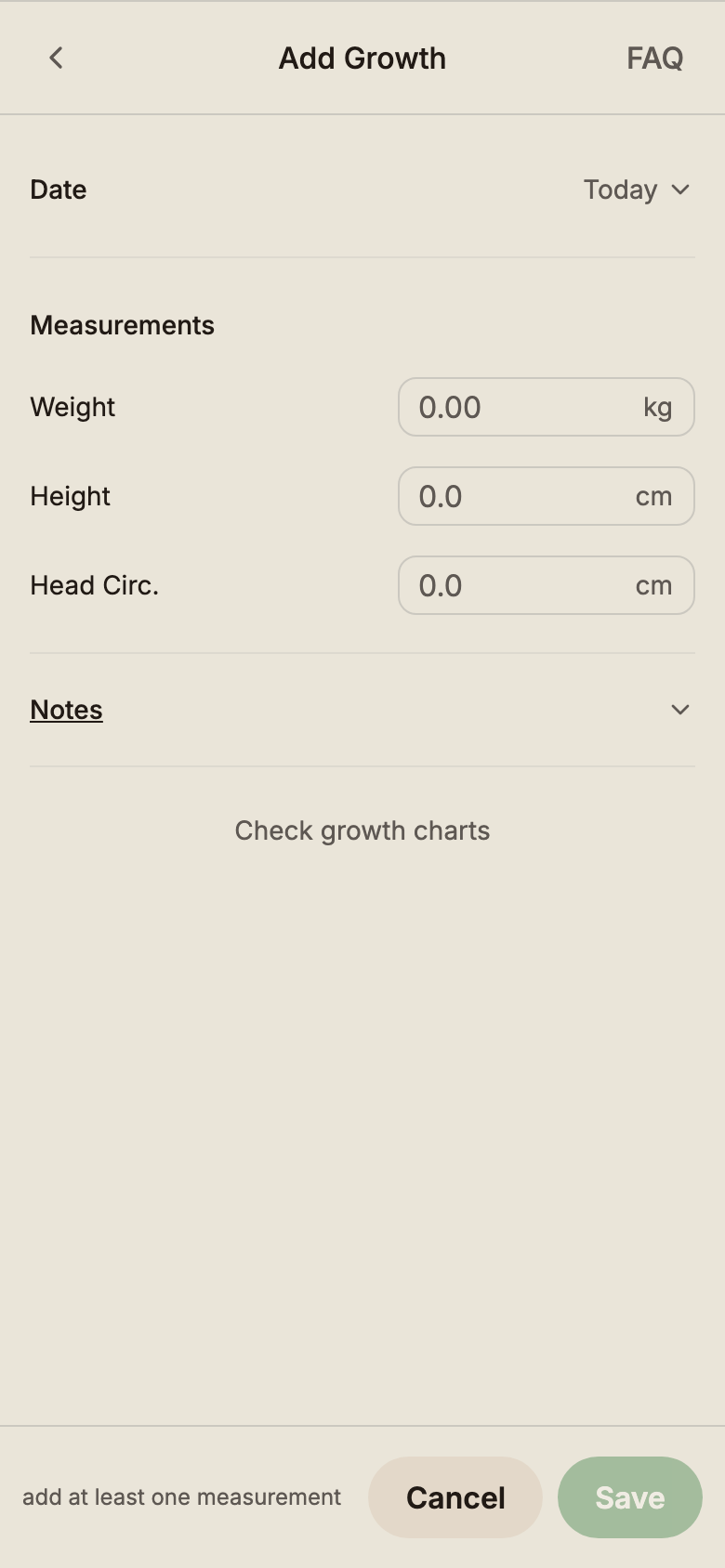
Track height, weight, and head circumference against WHO growth charts.
Fields
- Weight — grams (you can enter kg with a decimal, e.g. 4.2 kg)
- Height — millimetres (entered as cm with a decimal, e.g. 56.5 cm)
- Head circumference — millimetres (entered as cm with a decimal)
- Notes — free text
All three fields are optional, so a weigh-only check-in is one number. The Summary view plots each reading against the WHO percentile curves and shows trend lines across visits.
Play
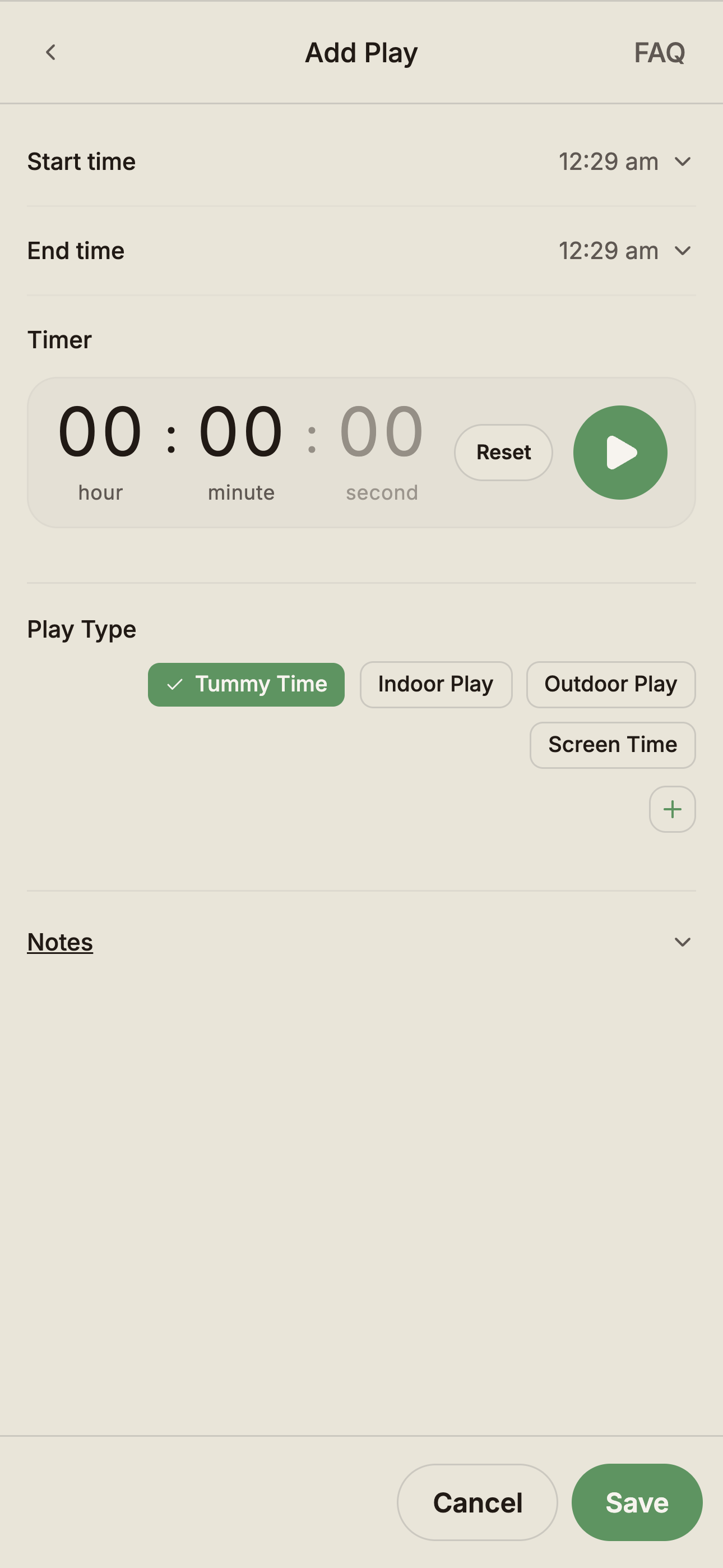
Log developmental play and tummy time.
Fields
- Play type — pick from your baby's play type library (e.g. tummy time, music, outdoor walk); add new types inline
- Start and end — use the built-in timer while the play happens, or set the times afterwards
- Notes — free text, useful for how baby responded
Like solids, play types are per-baby — older siblings' activities don't appear in the newborn's list.
Temperature
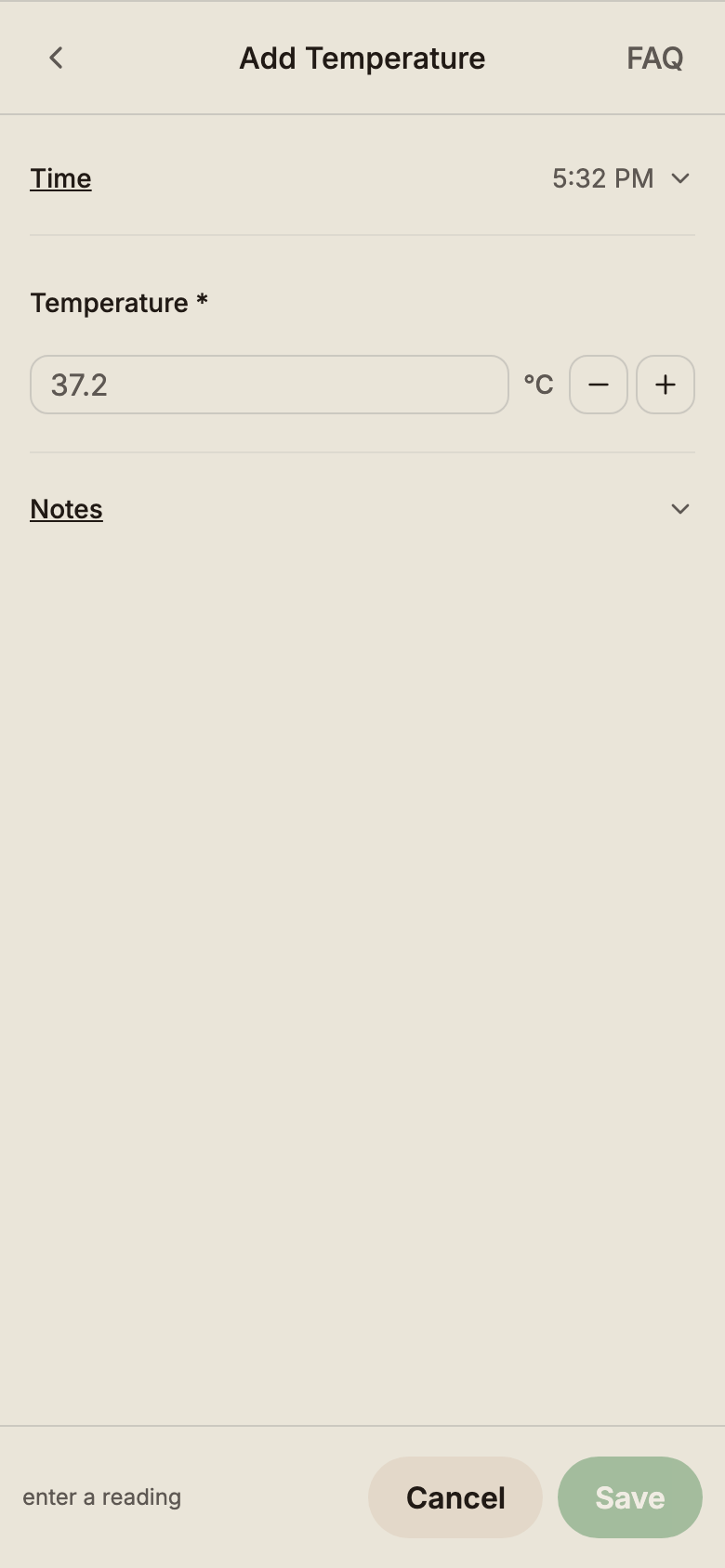
Record body temperature when baby's unwell.
Fields
- Temperature — to one decimal (e.g. 37.5)
- Notes — free text, often used to record the method (ear, forehead, oral)
Stored internally as tenths of a degree, so 37.5 °C is exact. The form shows °C by default, or °F when your units preference is set to imperial.
Medication
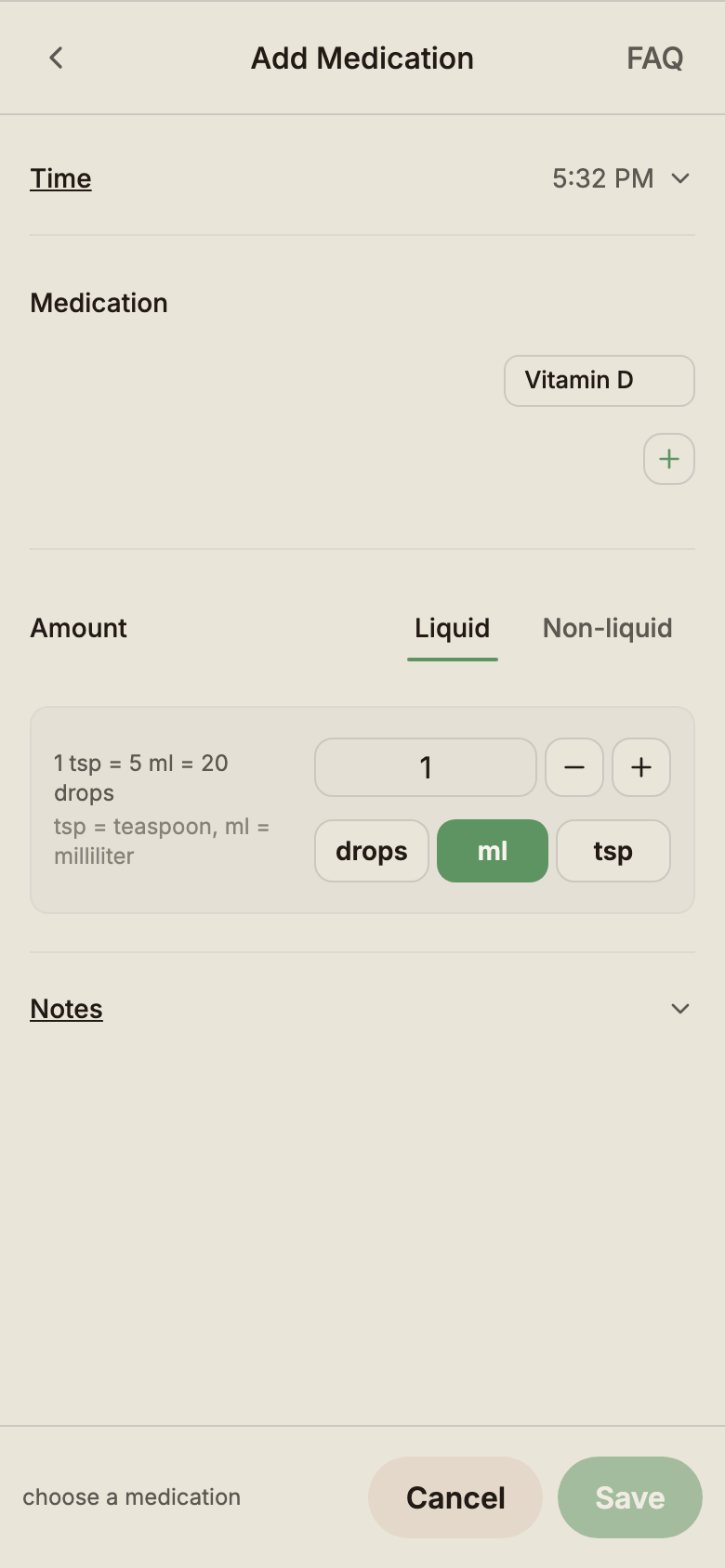
Track every dose, including over-the-counter and prescribed.
Fields
- Medication — pick from your baby's medication library; add new ones inline
- Amount — numeric dose
- Unit — ml · drops · tsp · tbsp for liquids; tablet · capsule · sachet for the rest
- Notes — free text (reason, prescriber, reaction)
Each baby has its own medication library so the names you use stay accurate to that child.
Symptoms
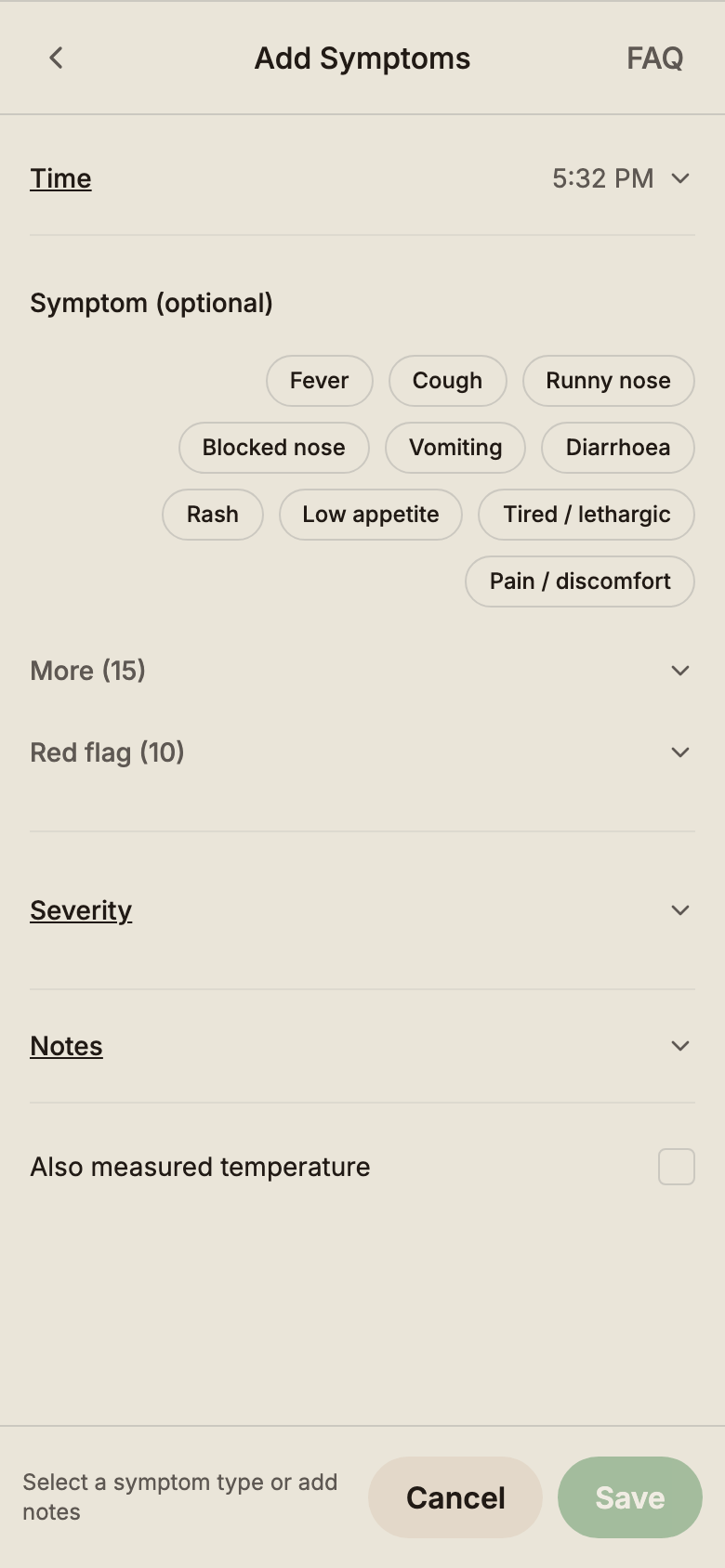
Log a single symptom per entry so you can spot duration and severity at a glance.
Fields
- Symptom — pick from a structured list. Common symptoms (fever, cough, runny nose, vomiting, rash, …) show first; more options and serious red-flag symptoms sit behind their own toggles. Choosing a red-flag symptom shows emergency guidance right in the form.
- Severity — mild · moderate · severe (optional)
- Notes — free text
Pair Symptoms with Medication and Temperature when something's going around — the Summary view shows symptom counts and severity across the period so a paediatrician can read the picture easily.